

Not rated yet
Creators and Publishers

MinecraftStorage
PublisherAdditional Links
You may find some useful information by following these links

https://modrinth.com/mod/shine
Share this post


Shine Mod
Plethora of new features that massive improves you game visuals without any shaderpack!
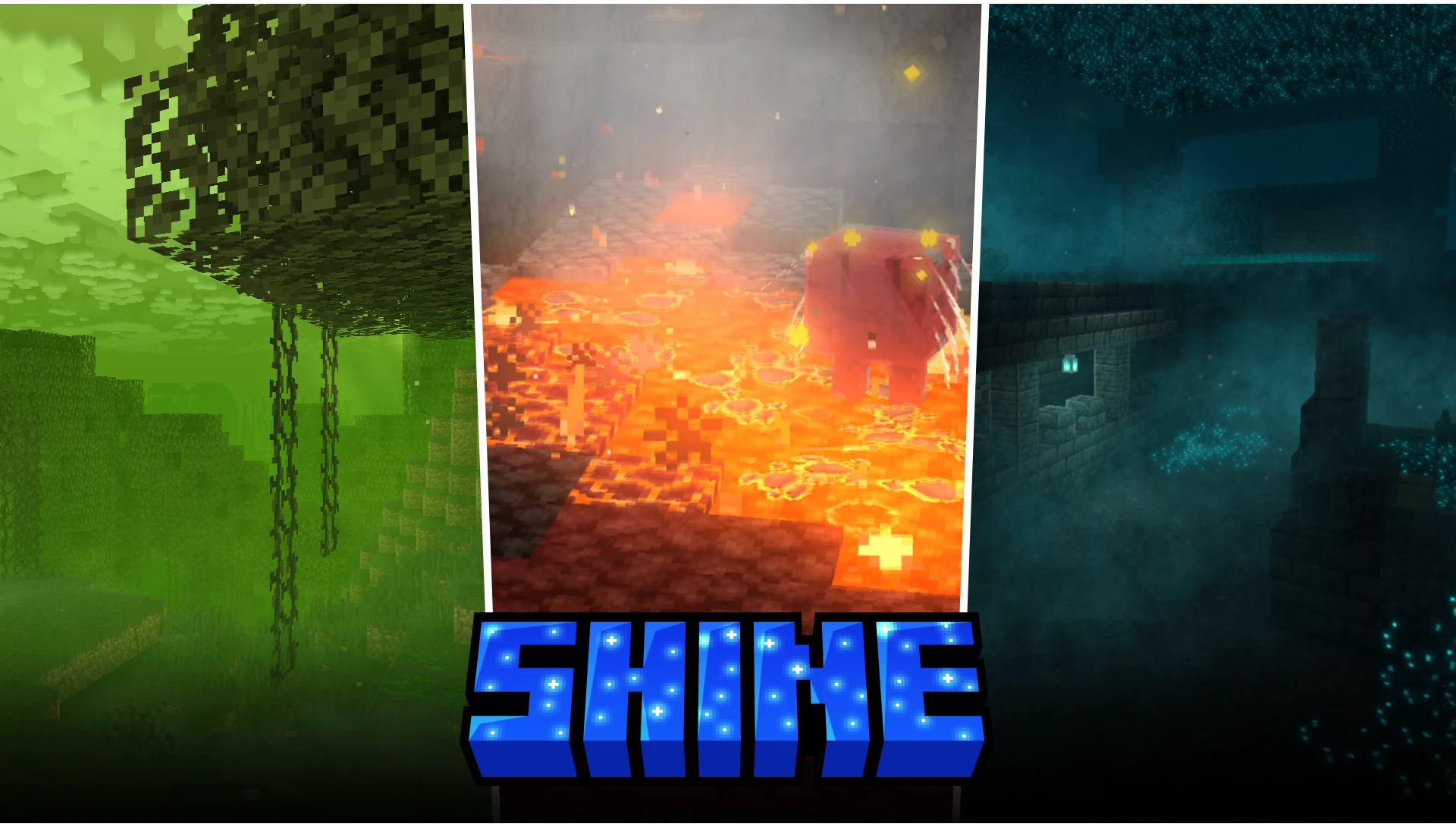

The Shine mod introduces a large collection of features that massively enhances the visuals of your game. The features added by the mod makes your game visuals look on par with some shader packs. Basically, the mod helps you achieve immersive, beautiful visuals, without having to install and shader pack. Let us take a detailed look at some of the most notable features of the mod.
Boats and Foamy Water
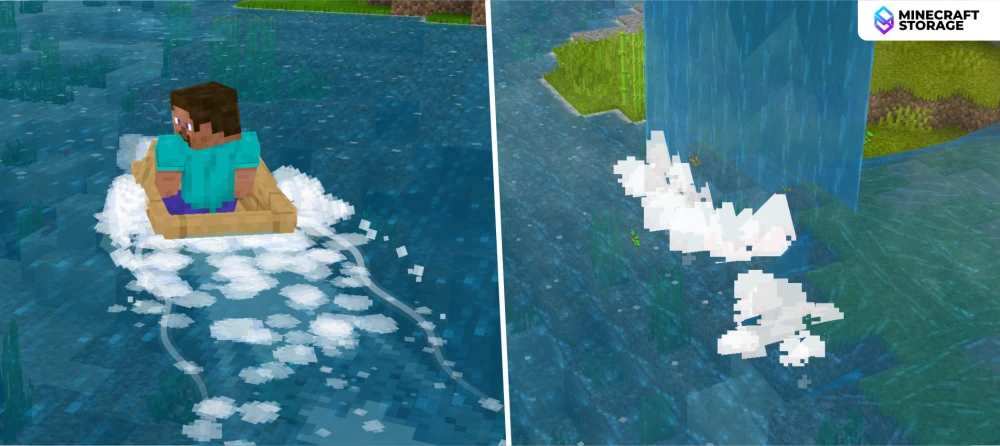
When a player rides on a boat, the boat will interact with the water in a detailed manner. Foams and flow lines appear as you ride a boat over water. Another feature is that water appears to foam up when it falls into a waterbody from a height, like in the case of a waterfall.
Footpaths on Sand
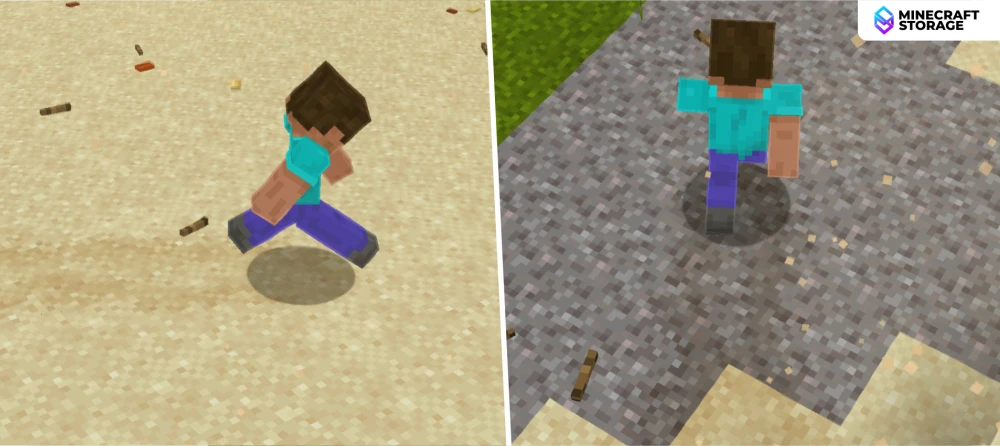
When players walk over certain blocks like sand, gravel and mud, footpaths will be formed. These footpaths will disappear after a while. Details like this make the game feel more immersive.
Atmospherics
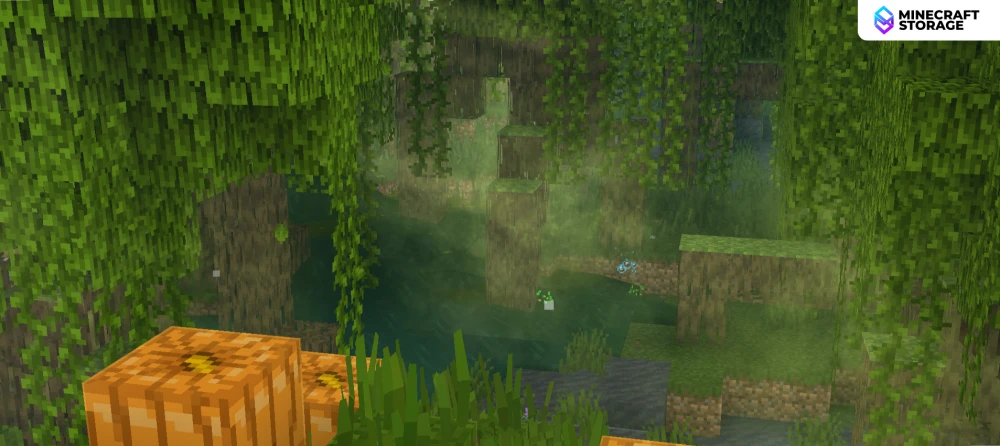
As you explore the world, you will notice certain atmospheric effects that would previously be only possible with the help of shader packs. Smoke and particle effects make the game look a lot better. Many of these effects change from biome to biome. Given below is a carousel of images captured across different biomes.
As you can notice, may visual elements like the sky color, fog color, particles, etc. vary from biome to biome.
Swaying Grass and Pebbles
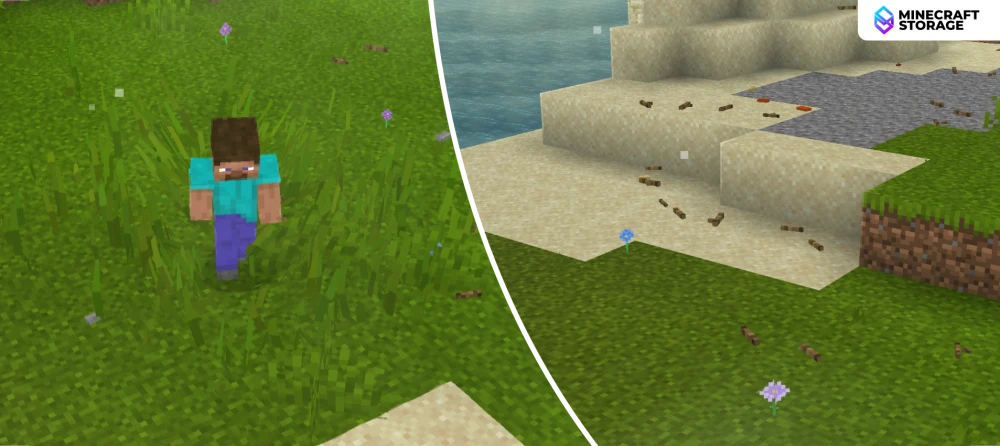
As you walk through grassy land, you will notice that the grass actually bends away from the player upon being stepped on. You will also find rocks and pebbles scattered on the ground. These rocks and pebbles are interactive and slides across the ground when stepped on by a player.
Falling Tree Leaves
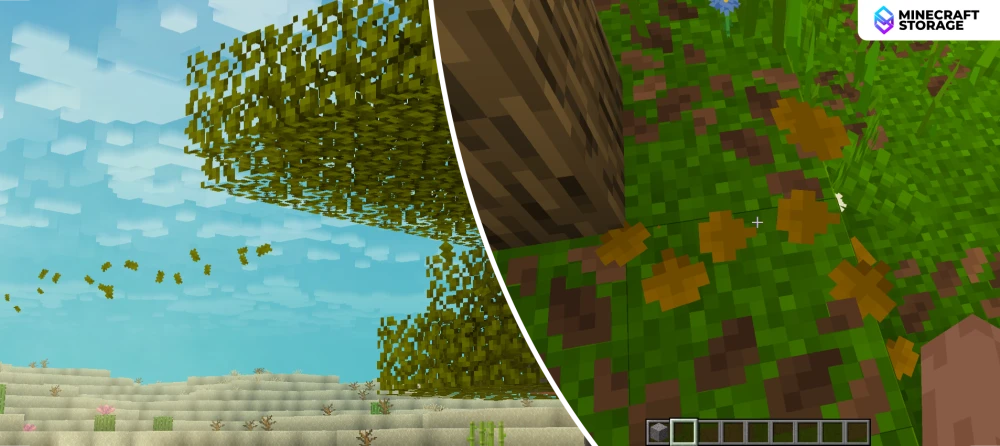
You will see tree leaves falling off and flying off in the wind. Below trees, you might also find dried fallen leaves. Just like with rocks and pebbles, these fallen leaves, too, are interactive.
Bloom Effect
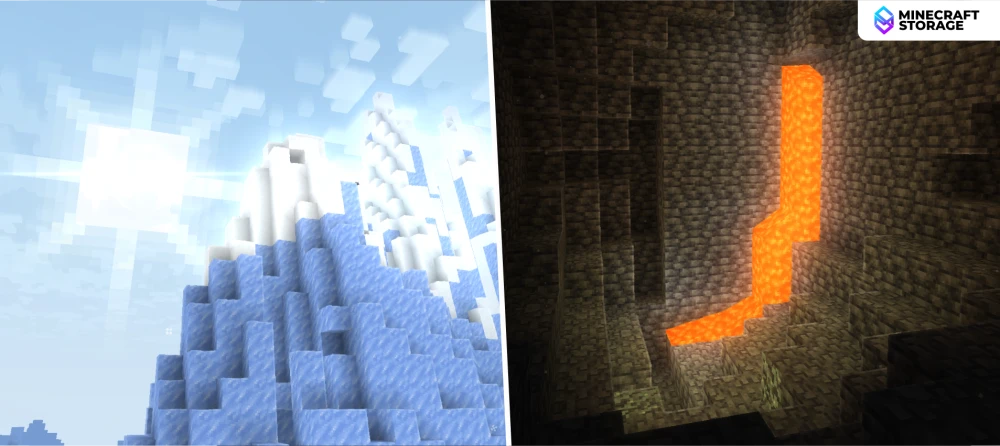
Light emitting world elements, like lava, and light falling directly onto light colored blocks like snow, give rise to bloom effect that is well noticeable. A toggle is provided in the mod settings to individually turn this feature ON/OFF.
Bird and Geese Flocks
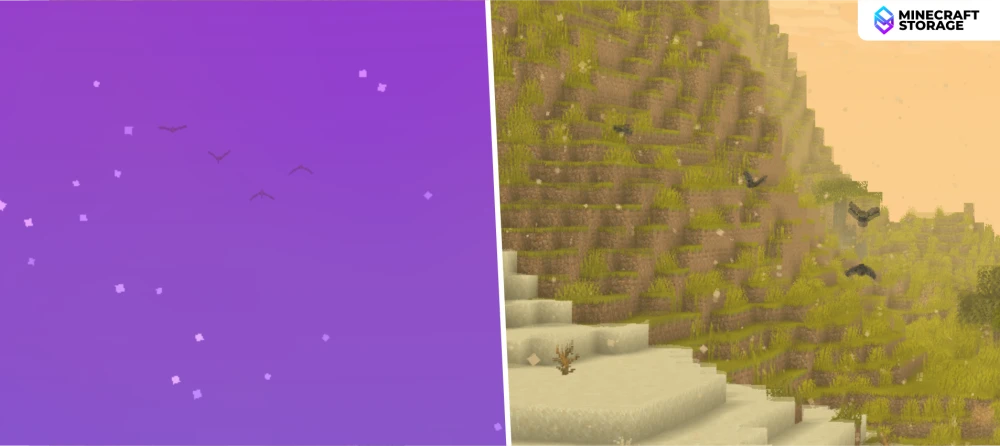
You can find birds and geese travelling in flocks. Do they make any real changes to gameplay? No, but they definitely help the game look much more detailed and immersive.
Sandstorms
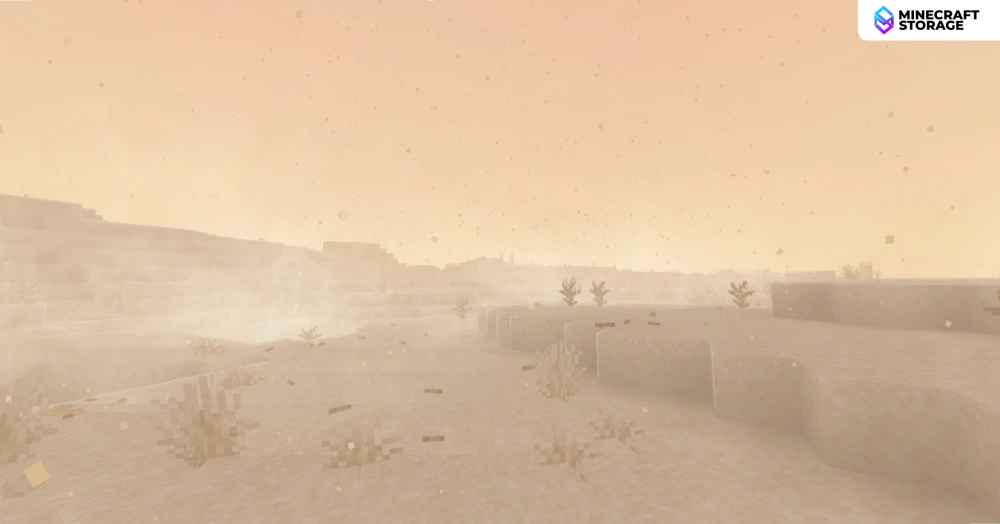
Sandstorms are the equivalent of rain in dry biomes. When a sandstorm occurs, thick sand fog will limit your visibility. You will also notice the heavy directional wind carrying debris across the world.
Rain Effects
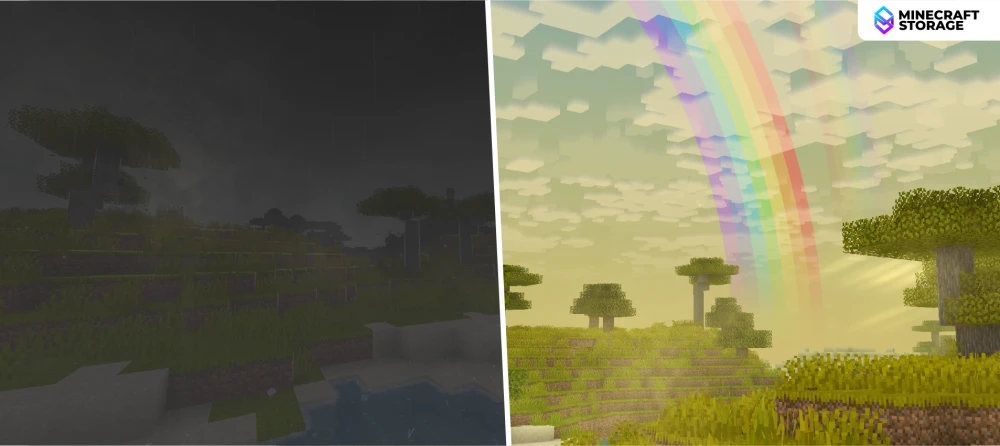
When it rains, the world gets filled with intense darkness, even at daytime. You will also notice raindrops forming puddles on the ground. But once the rain has passed, you will get to see a beautiful rainbow.
Underwater Effects
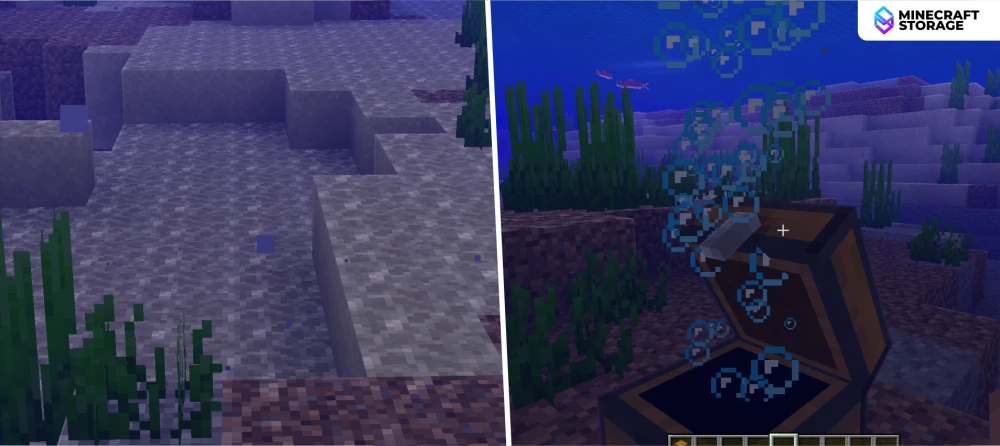
When you dive underwater at daytime, you will notice caustics on the underwater floor. Caustics are the wave-like patterns formed at the bottom of swimming pools and such. Another cool effect you can notice is bubbles being released when opening underwater chests.
Colored Light
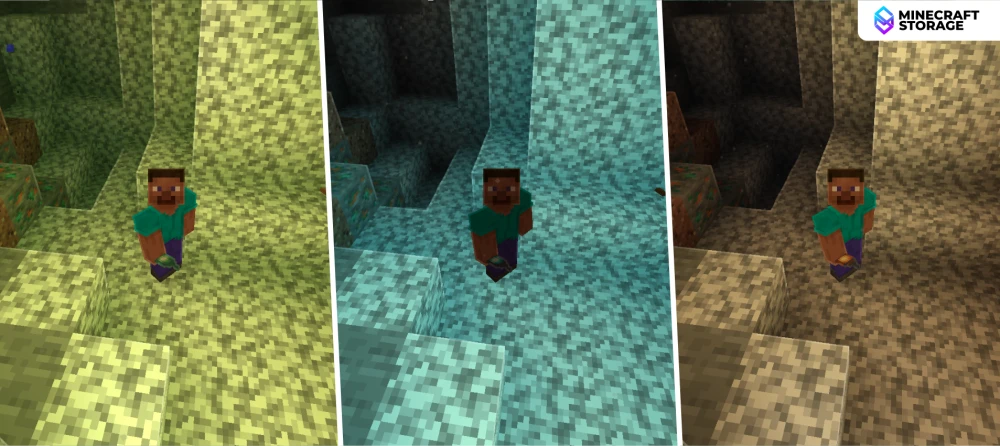
The color of light depends on the source that emits it. The image above shows the light effects that takes place when the player holds a copper lantern, soul lantern, and regular lantern in a dark cave.
Drip Effects
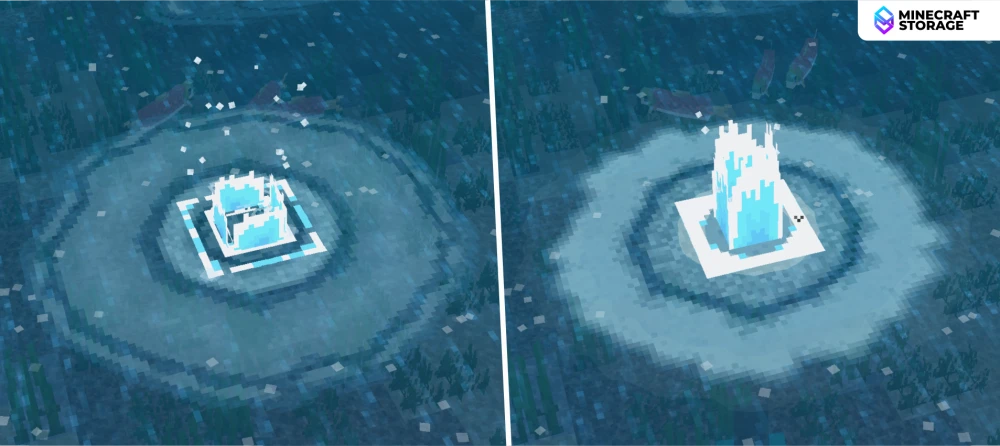
When a player jumps into water from a height, a drip effect forms on the water surface. Details like this are small, yet very noticeable.
Ancient Cities
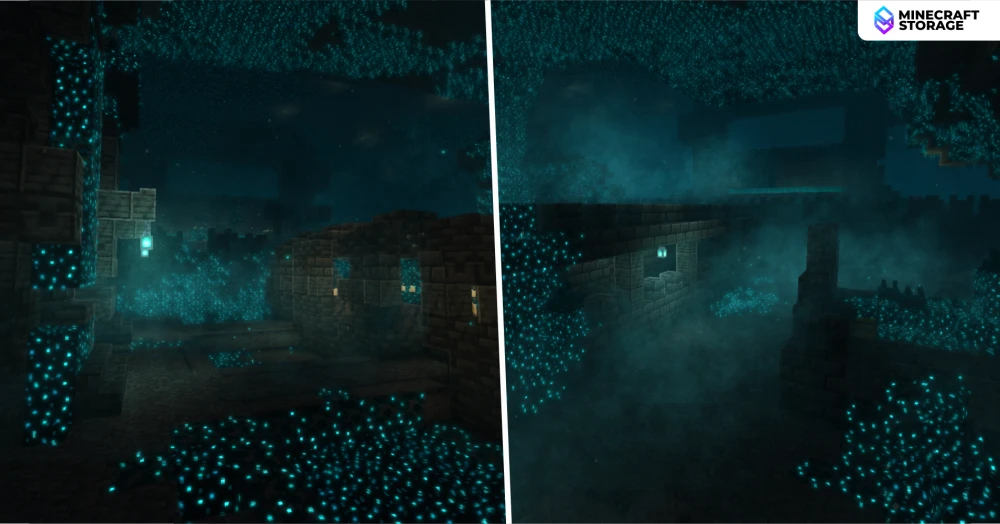
Ancient cities feel a lot more intense with the Shine mod. Take a look at the above image. You can notice the glow effect on the sculk blocks, volumetric smoke and an overall cyan-black atmosphere.
Underground Effects
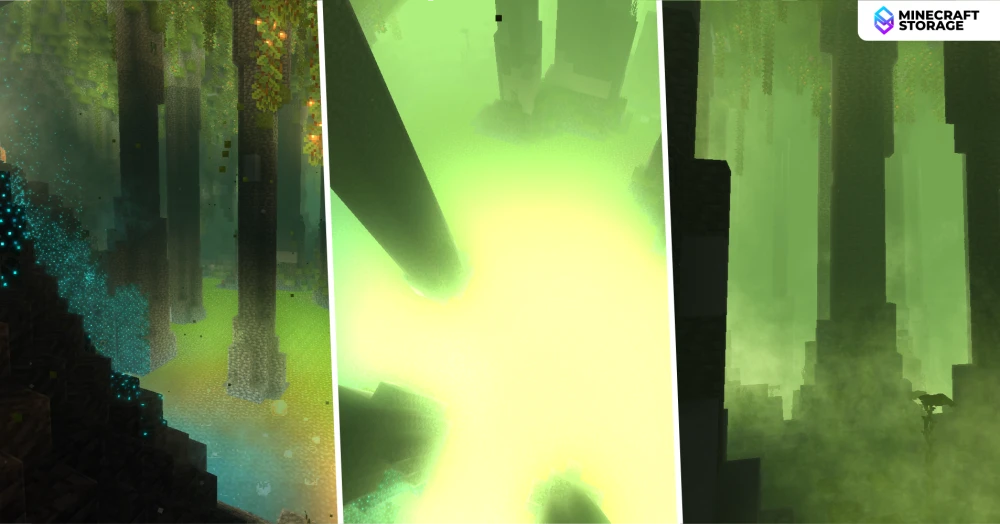
The above images are from a large lush cave. You can see how the lava with rock pillars look like deep acid pit. The bright lighting makes only block silhouettes visible. This is a truly unique sight.
The Nether
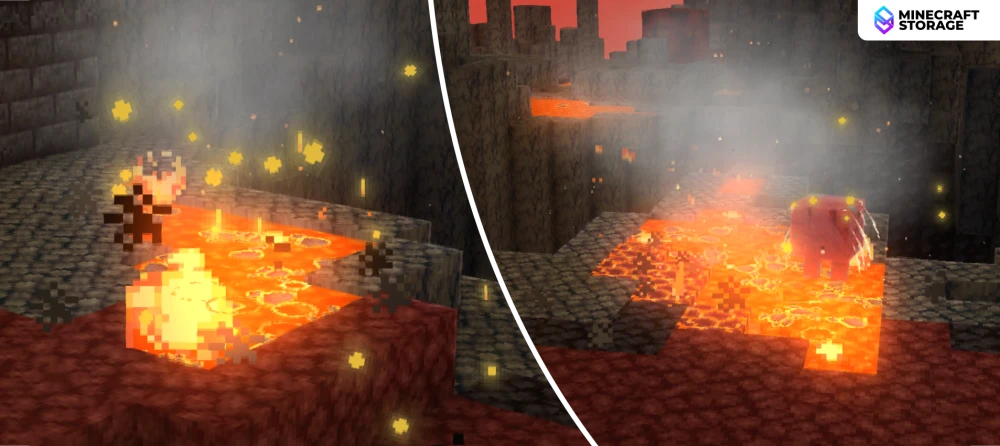
Coming to the Nether, the lava actually appears to be smothering hot, just like it is. The lava is boiling and splashing everywhere.
Nether Lava
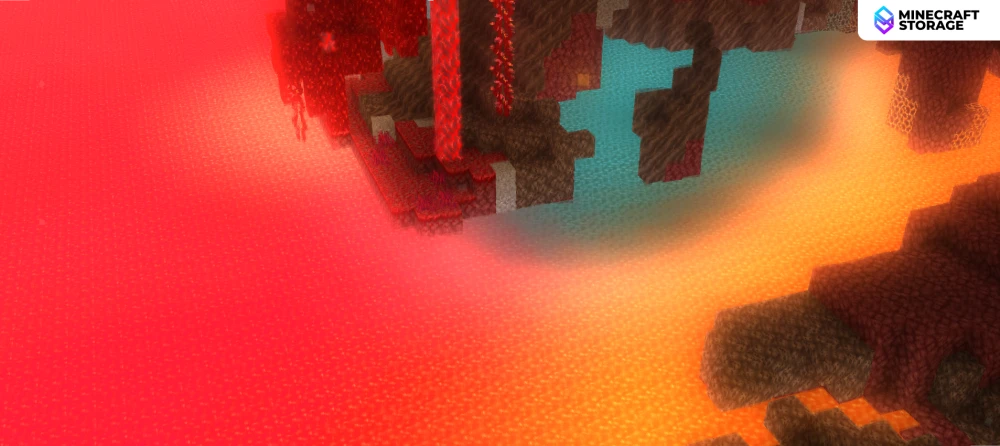
The color of the lava in the Nether depends on the biome they are in - crimson forest, warped forest and others. The color for each biome type is very intuitive.
The End
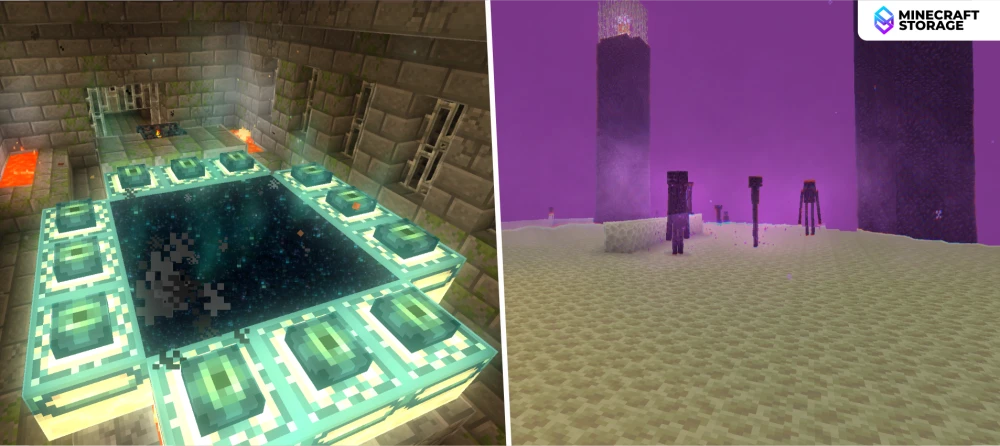
The End portal itself has some noticeable visual effects. Coming to the end, the sky appears to be of a purple shade with scattered smoke. As you move towards the outer End islands, the sky gets much darker, making End exploration feel a lot more intense.
The Night
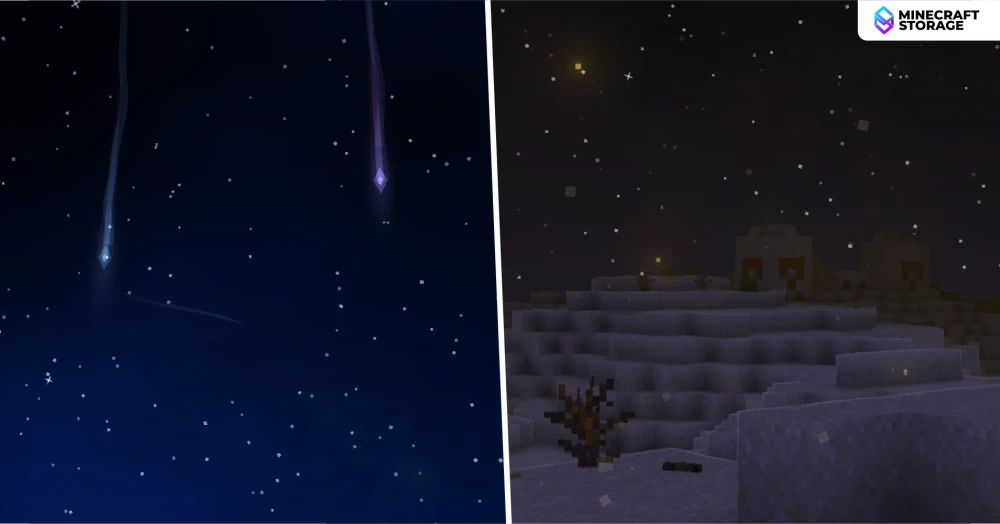
At nighttime, you will find auroras and shooting stars across a star filled sky. Even at nighttime, the sky color depends on the biome you are in.
Emissive Ores
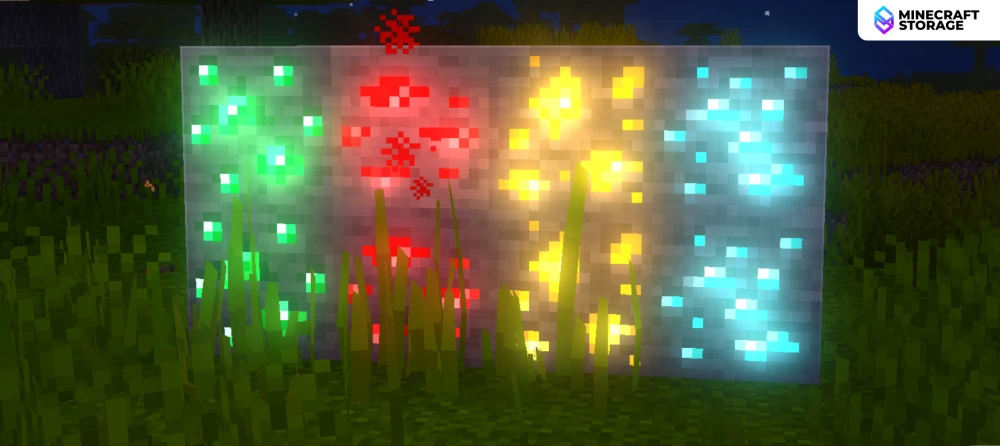
You can toggle on emissive ores in the mod settings to make ore blocks emit light. This will make it easier to spot ores in dark caves.
Mod Settings
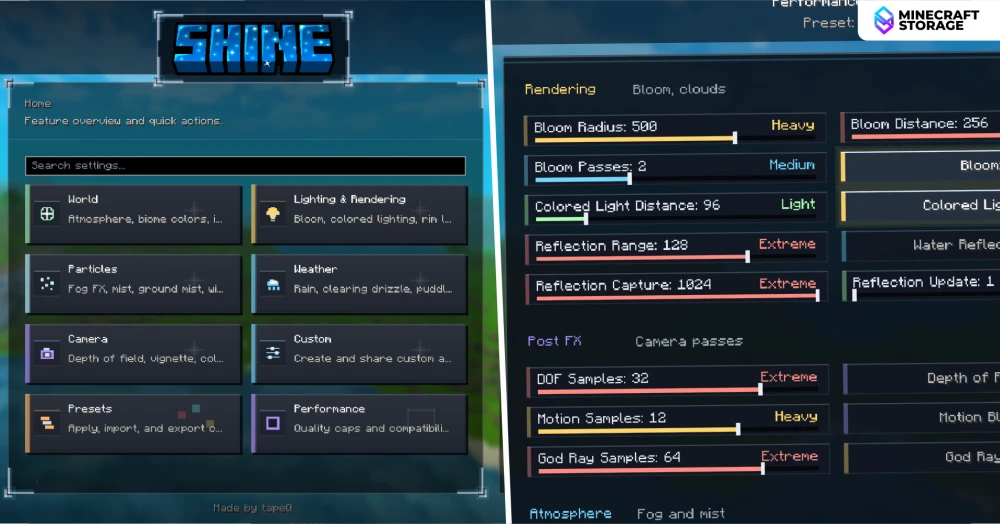
In the vanilla keybind settings, you can set a keybind to open the menu of the Shine mod. The mod settings provides plenty of features for you to tweak and play around with. The settings screen itself is feature rich and has many useful features that makes using the mod a lot more convenient.
Conclusion
Shine is a feature rich mod that makes your game visuals mesmerizing, without even having to enable any shader. The latest 3.0 version of the mod introduces plenty of new features that makes version 3.0 a major benchmark in the development journey of the mod.
Shine is available for NeoForge and Fabric mod loaders, and is compatible with the newest game versions.
What's Next
