


Not rated yet
Luminara Shaders
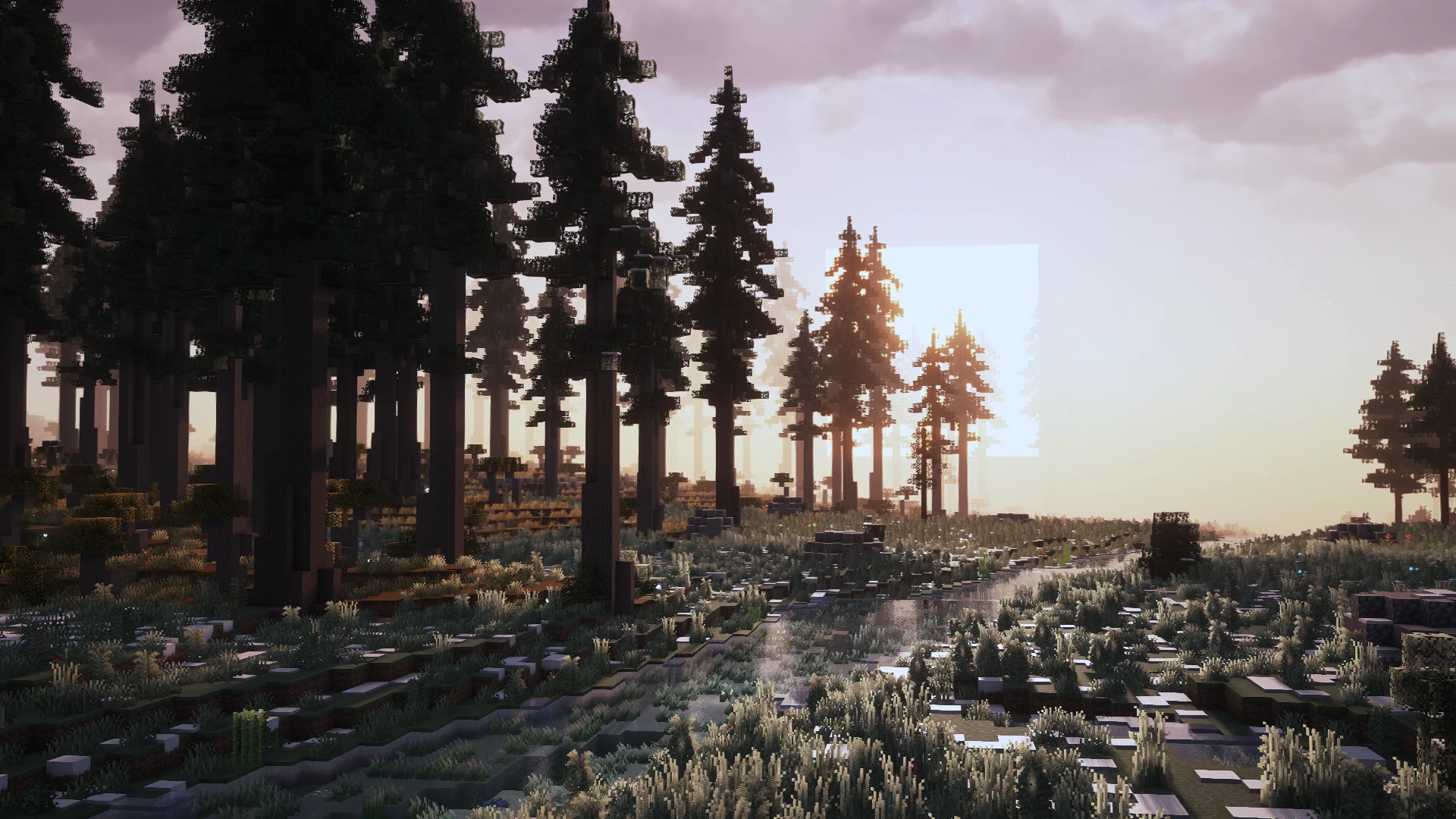
Transform Minecraft with Luminara Shader’s cinematic sunsets, volumetric clouds, clear water, glowing flowers and stunning Nether and End visuals.
Creators and Publishers

MinecraftStorage
PublisherAdditional Links
You may find some useful information by following these links

https://www.curseforge.com/minecraft/shaders/luminara-shader
Share this post


- Download and install Forge or Fabric
- Install Optifine or Iris mod
- Download the shader pack
- Put the shader pack into .minecraft/shaderpacks folder
- Launch Minecraft
- Go to settings->graphics->shaderpacks
- Select the shaderpack
- Enjoy
Other realistic shaders similar
Here are some similar shaders to Luminara
 shaders
Semi-realism with decent performance.
 shaders
Waving plants and vibrant visuals, realistic water reflections, and customizable settings for mid to high-end systems.
 shaders
Transform your Minecraft adventures with the Vanilletix Reimagined shader pack. Experience stunning bloom, volumetric lighting, and vibrant worlds in every dimension.
 shaders
A shader pack designed for stunning visuals on low to mid-end devices. Enjoy vibrant colors, crisp graphics, and realistic water reflections.
 shaders
Chocapic13's Shader Edit for low-end players
 shaders
Dive into a fantasy-reality blend with OPAL shaders. Immerse yourself in realistic water, atmospheric Nether and End, and stunning sunrises and sunsets.
