

Not rated yet


Additional Links
You may find some useful information by following these links

https://www.curseforge.com/minecraft/mc-mods/exposure

https://modrinth.com/mod/exposure
Share this post


Exposure Mod
The Exposure mod adds a fully functional camera system to Minecraft, letting you take real photographs of your world, develop film, and print physical pictures you can frame and display in-game.
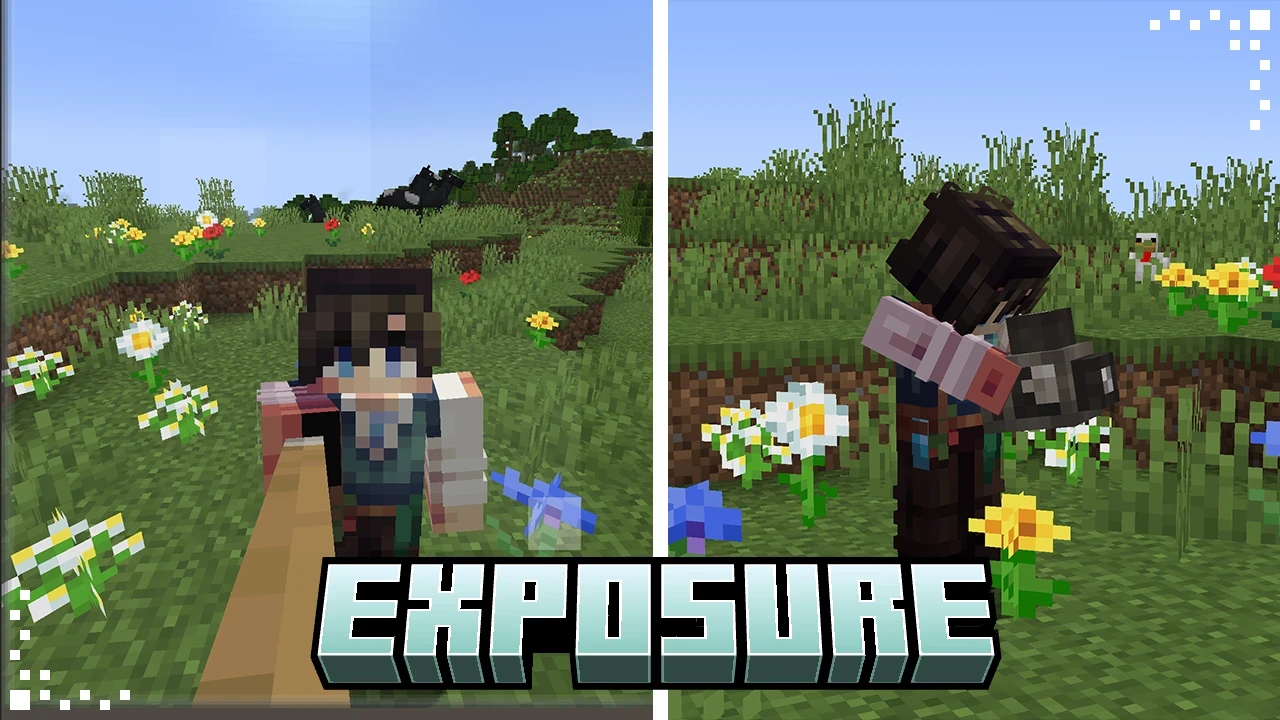

Have you ever wanted to actually document your Minecraft world? Not screenshots, but real in-game photographs you can hold, frame, and hand to other players? That's exactly what the Exposure mod is about. It adds a fully functional camera system that lets you shoot photos, develop film, print physical photographs, and display them around your base.
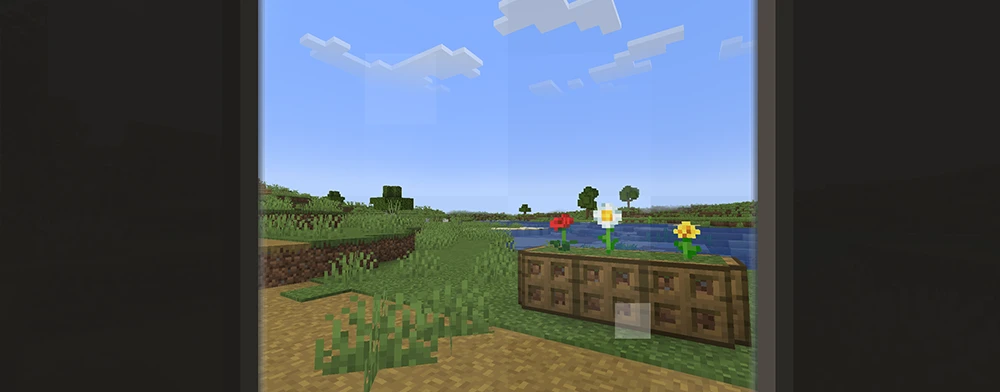
Holding the Camera
Right-click with the Camera in hand to open the viewfinder and frame your shot.
The mod is built around a simple loop that has a lot of depth once you get into it. You load a film roll into the camera, go out and shoot up to 16 frames, bring the roll back to develop it, then print individual shots using the Lightroom block. The printed photograph becomes an actual item in your inventory.
There are four film types to work with: Black and White, Color, and high-sensitivity variants of each. The high-sensitivity films are built for low-light scenes, while color film requires a bit more effort to develop but gives you full RGB photos. The camera also supports attachments - a Flash for dark areas, a Spyglass lens for zooming in from a distance, and colored glass pane filters for tinting your shots.
Once you have printed photographs, there are several ways to use them. You can display them in Photograph Frames (which come in 1x1, 2x2, and 3x3 sizes), store and annotate them in a Photo Album, copy them, age them to give them a worn sepia look, or stack multiple photos into a single item to share with others. The mod also quietly places aged photographs and undeveloped film rolls in vanilla loot chests around the world, which is a nice touch.
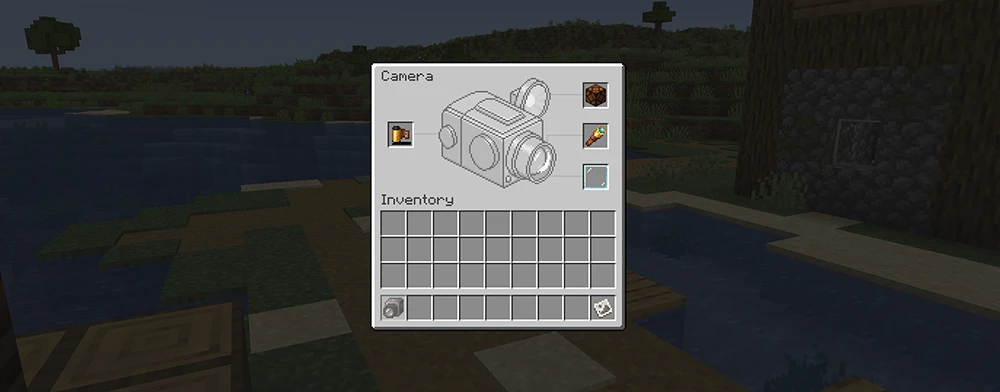
Camera Attachments Screen
The Attachments screen lets you load film, set up a flash, attach a lens, and add a color filter.
If you want to go further, there is a Camera Stand that lets you mount the camera at a fixed position for group shots or timed photos, and an Interplanar Projector filter that can project external images directly into the game. For Create mod users, color film development can also be automated using a Spout in a sequenced assembly line
What's Next
