

Not rated yet
Creators and Publishers

MinecraftStorage
PublisherAdditional Links
You may find some useful information by following these links

https://modrinth.com/shader/visual-vibrance
Share this post


Visual Vibrance Shaders
Brings Minecraft Bedrock's Vibrant Visuals into the Java Edition of the game.
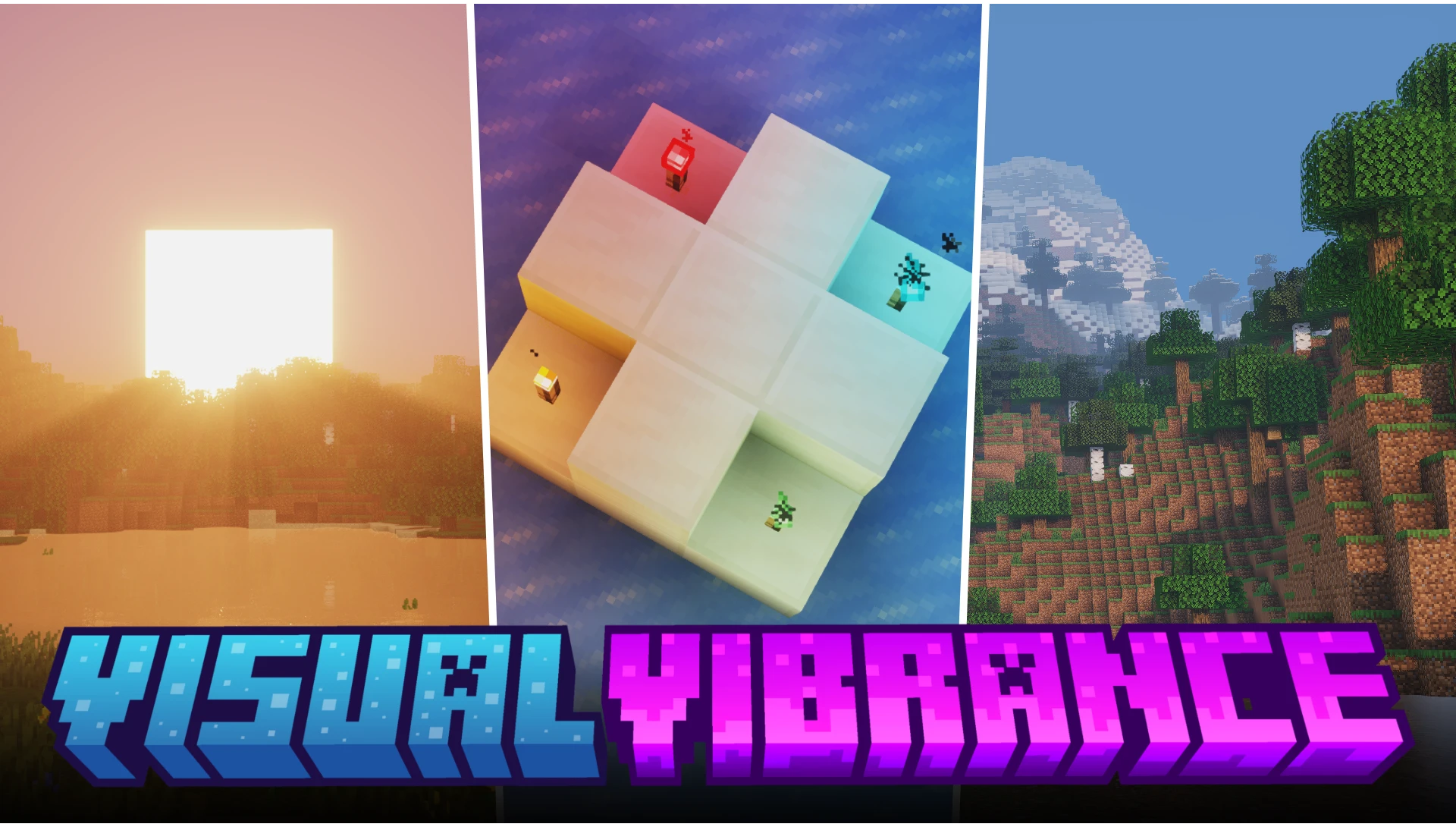

The Bedrock Edition of Minecraft has a visual option called "Vibrant Visuals" that enables shader-like visuals in the game. Do you wish to play around with similar visuals in the Java Edition of the game? If the answer is yes, the Visual Vibrance shader pack is for you.
Volumetric Godrays
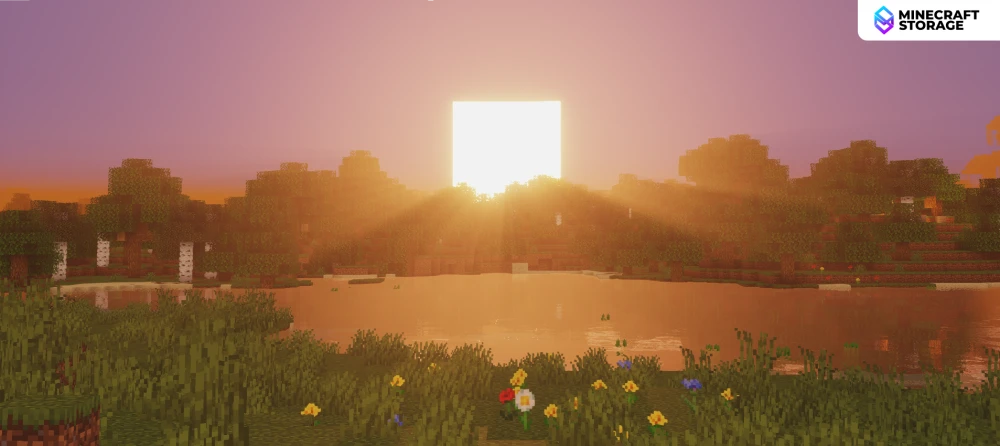
The same godray effect seen in Minecraft Bedrock Vibrant Visuals is not on Java Minecraft. When the sun moves across the horizon, the light thus falling parallel to the terrain is greatly intercepted by terrain features, giving rise to beautiful godray effects.
Volumetric Fog
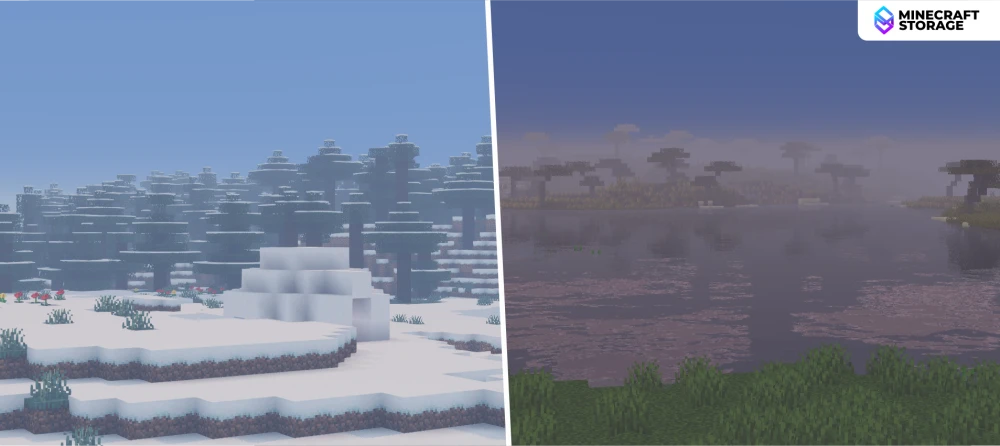
The distant fog, although not truly volumetric, still achieves a volumetric look. Features that are distant appears to be covered by thicker fog as fog layers accumulate.
Colored Light
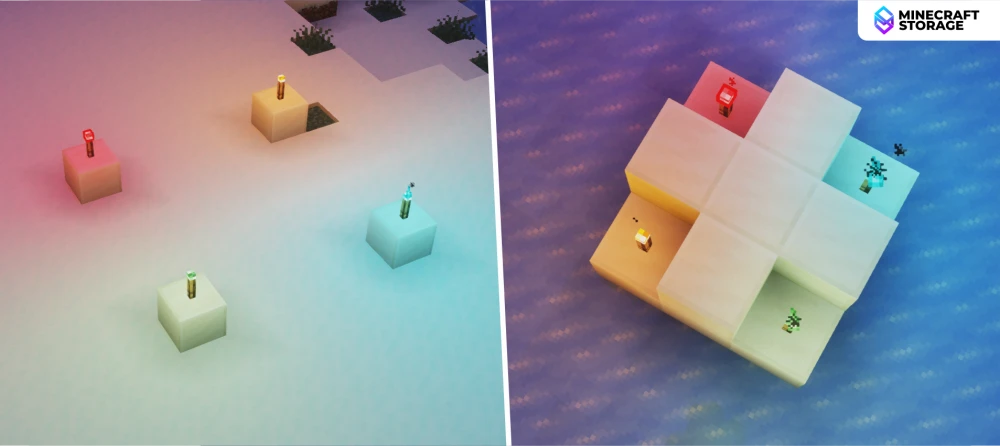
Colored light is a feature that makes it so that the color of light depends on the source emitting it. The image above shows how orange, blue, green and red light are emitted by regular, soul, copper and redstone torches respectively.
Time of Day
You can see how the world vibrance reduces as night falls. At nighttime, the world tends to turn into a orange-ish shade. But this won't last for long, as the environment gets even darker as midnight approaches.
Shadow Effects
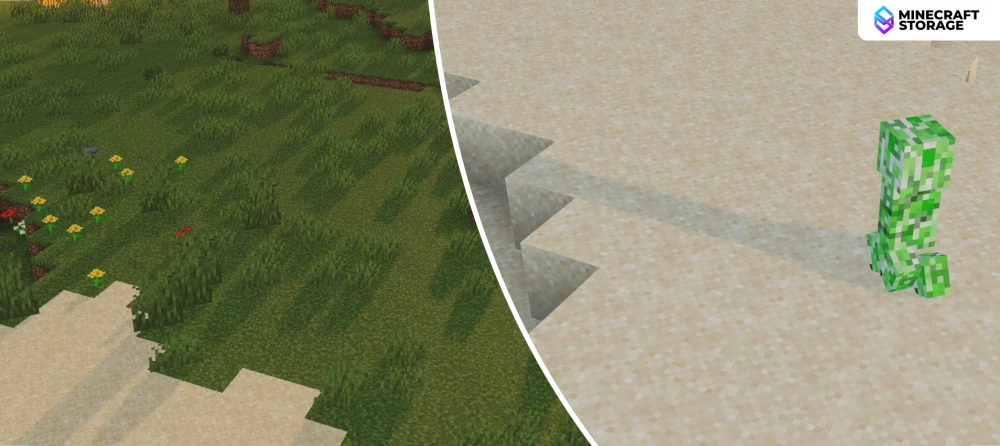
Shadows in Visual Vibrance are dynamic. This is especially noticeable on shadows cast by grass and other plants. When the waving grass feature is toggled ON, the grass on the terrain tends to sway to the wind. The shadows cast by these grass react well to the this motion.
PBR Features
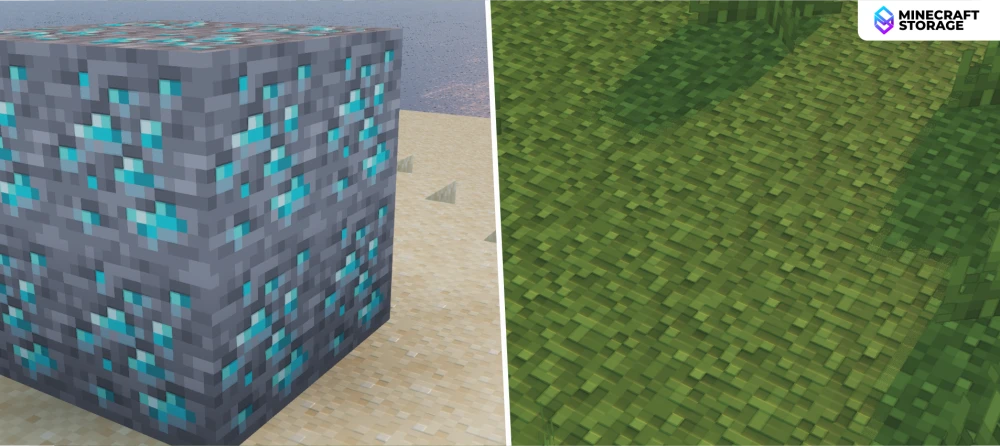
PBR is a texture feature that adds inter-block surface detailing. Visual Vibrance is well combatable with PBR textures and you can enable it for maximum detail. The screenshots above were taken using the CoffeePBR texture pack.
Color Grading
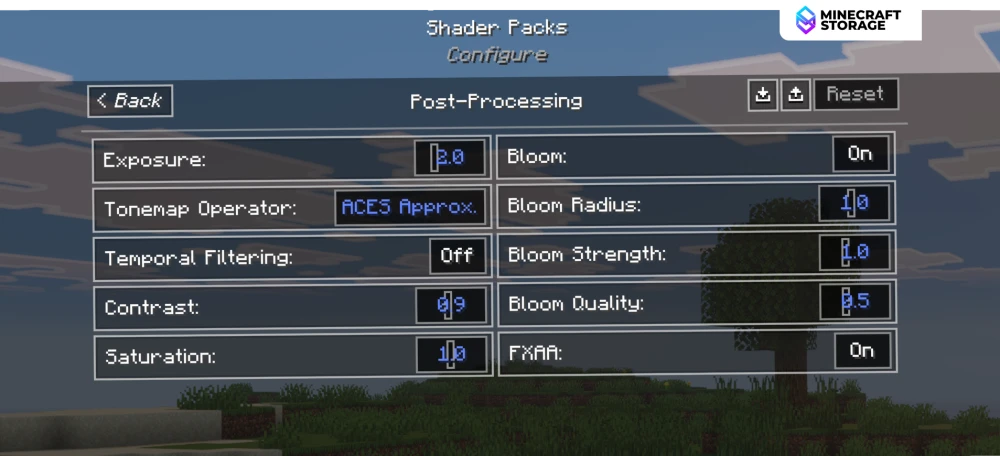
Visual Vibrance has a dedicated Post-Processing tab in the shader settings, where you can adjust the visual quality to your preference. Basic color grading features such as contrast and saturation can be adjusted here.
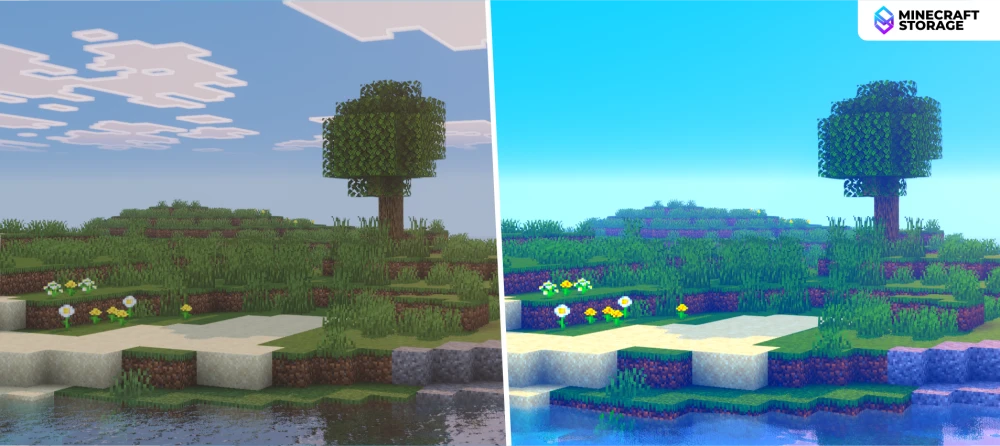
Use the settings provided in this tab to adjust the visuals to make them suitable for your use-case. You also have the option to enable Anti-Aliasing in order to make the images look sharper.
Water Reflections
Within the shader settings, you can adjust how your water reflections look. Two options are provided - SSR and Fast. A comparison of both is provided above, use the one that you like.
Water Normals
The shader settings also allow you to adjust the water normals. Imagine it as the overall texture of the water surface. Two options are provided - Generative and Realistic. Choose the one you like!
Conclusion
Overall, Visual Vibrance successfully brings that coveted Bedrock-style shader look to the Java Edition, offering a lighter, more approachable alternative to some of the heavier, more demanding shaderpacks out there. With its convincing godrays, layered volumetric fog, and source-based colored lighting, it captures the essence of Vibrant Visuals while adding its own touches like dynamic grass shadows and full PBR support. What makes it especially appealing is the sheer level of customization on offer — from color grading to water reflections and normals, players have plenty of room to fine-tune the visuals to their exact taste. If you've been wanting that Bedrock-like vibrance in your Java worlds, Visual Vibrance is well worth adding to your shader collection.
What's Next
