

Not rated yet
Creators and Publishers

MinecraftStorage
PublisherAdditional Links
You may find some useful information by following these links

https://modrinth.com/mod/create-aeronautics
Share this post


Create Aeronautics Mod
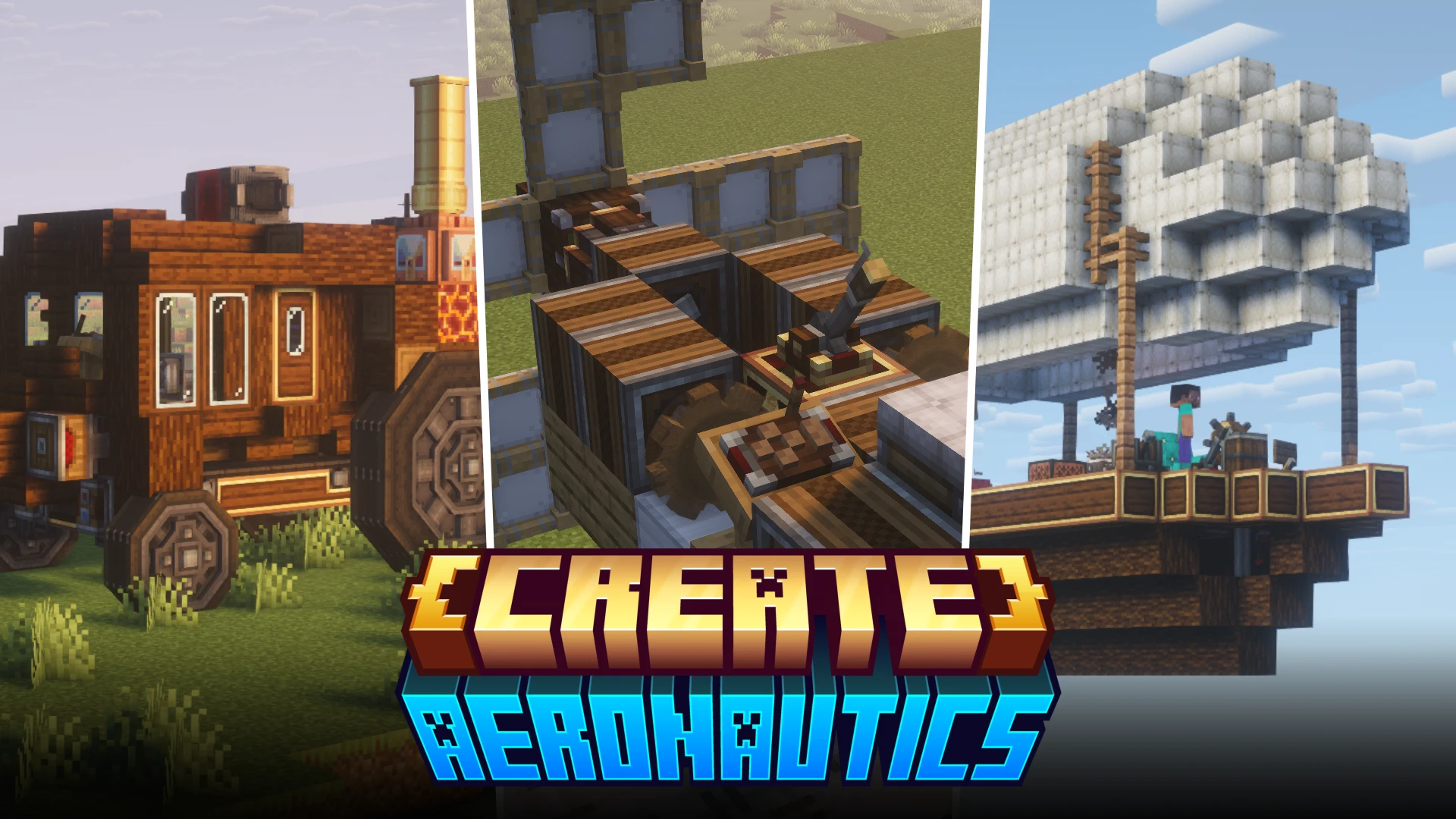

Create Aeronautics, the most awaited Create add-on is finally out! The mod is the successor of Create Simulated, an add-on that allowed players to create many different mechanisms simulating real-life behavior in Minecraft. Aeronautics simply takes the possibilities to the next level!
Creative Inventory
Creative Inventory
The three sections
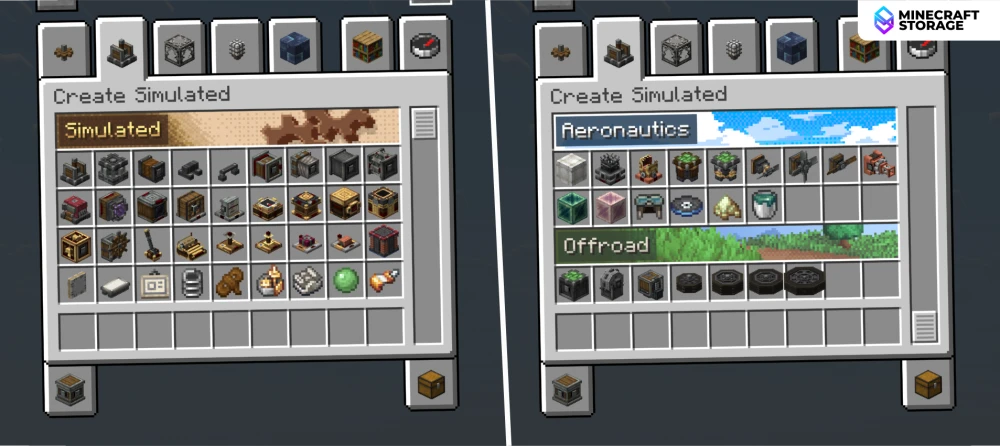
The elements introduced by the mod can be split into three "sections". This can be seen in the creative inventory of Create Aeronautics, which is titled as "Create Simulated". The inventory tab itself is split into three different segments. Let us take a look at each section.
Simulated
Simulated
The backbone of all mechanisms
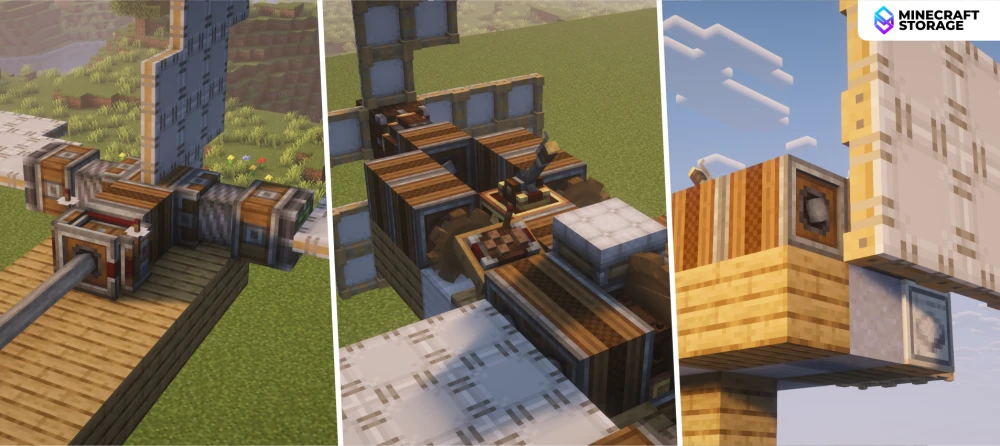
Items falling under the Simulated section are the backbone of Create Aeronautics. These are the different tools and mechanisms that makes the other two sections suitable for use. This includes different types of levers, gears, honey glue, etc. Think of it this way - pistons and slime blocks might backbone of piston doors in the vanilla game, but they work only when used in combination with items like redstone dust, redstone torches, levers, etc.
Aeronautics
Aeronautics
Floating stuff
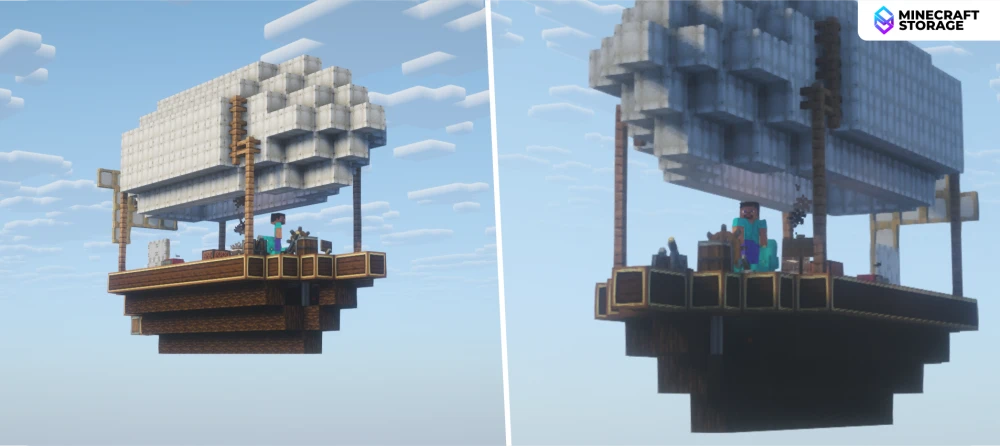
This section is the spotlight of the mod. These are blocks that are dedicated towards making the flying mechanisms like planes and hot air balloons seen the Create Aeronautics trailer. This includes blocks like the Hot Air Burner and Hot Air Envelope, which are the blocks that produces hot air and captures it respectively.
Offroad
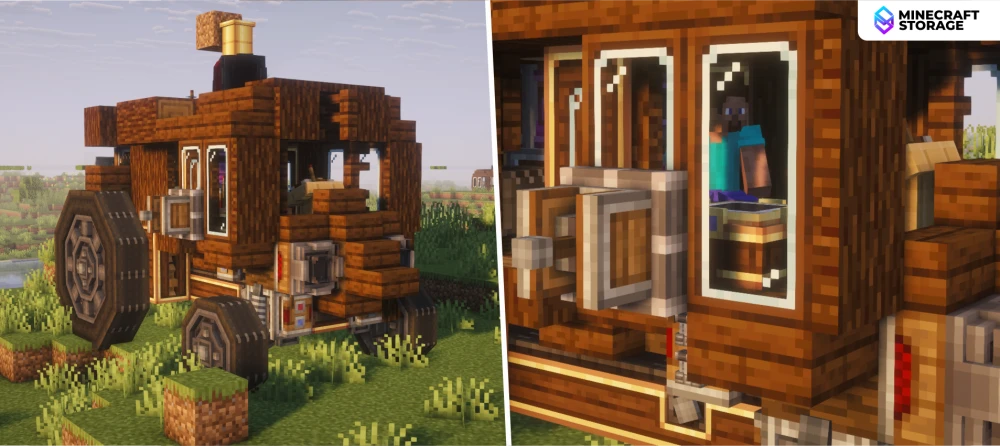
Offroad
Wheeled mechanisms
While the Aeronautics section deals with mechanisms that help traverse the sky, the Offroad section deals with land travel. These are mechanisms like the Wheel, Wheel Mounts, etc. that can be used to designed wheeled vehicles to traverse the terrain.
The download links provided in the Downloads tab lead to the official page of Create Aeronautics, from where you can download your required version of the mod.
What's Next
