Rated 5.0/5.0 by 1 user
Creators and Publishers

MinecraftStorage
PublisherAdditional Links
You may find some useful information by following these links

https://modrinth.com/mod/euphoria-patches
Share this post


Euphoria Patches Mod
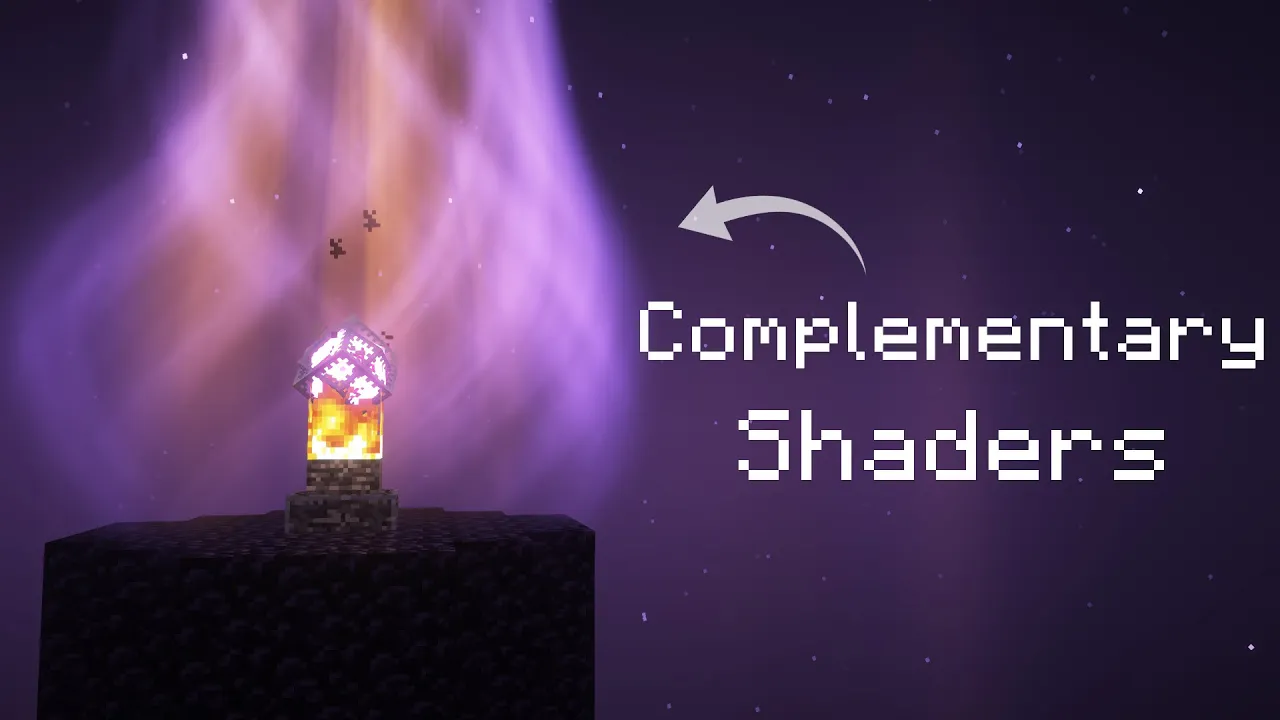
An add-on for Complementary shaders that elevates the in-game visuals to the next level. Crystal vortices, Auroras, Season and many more amazing features!
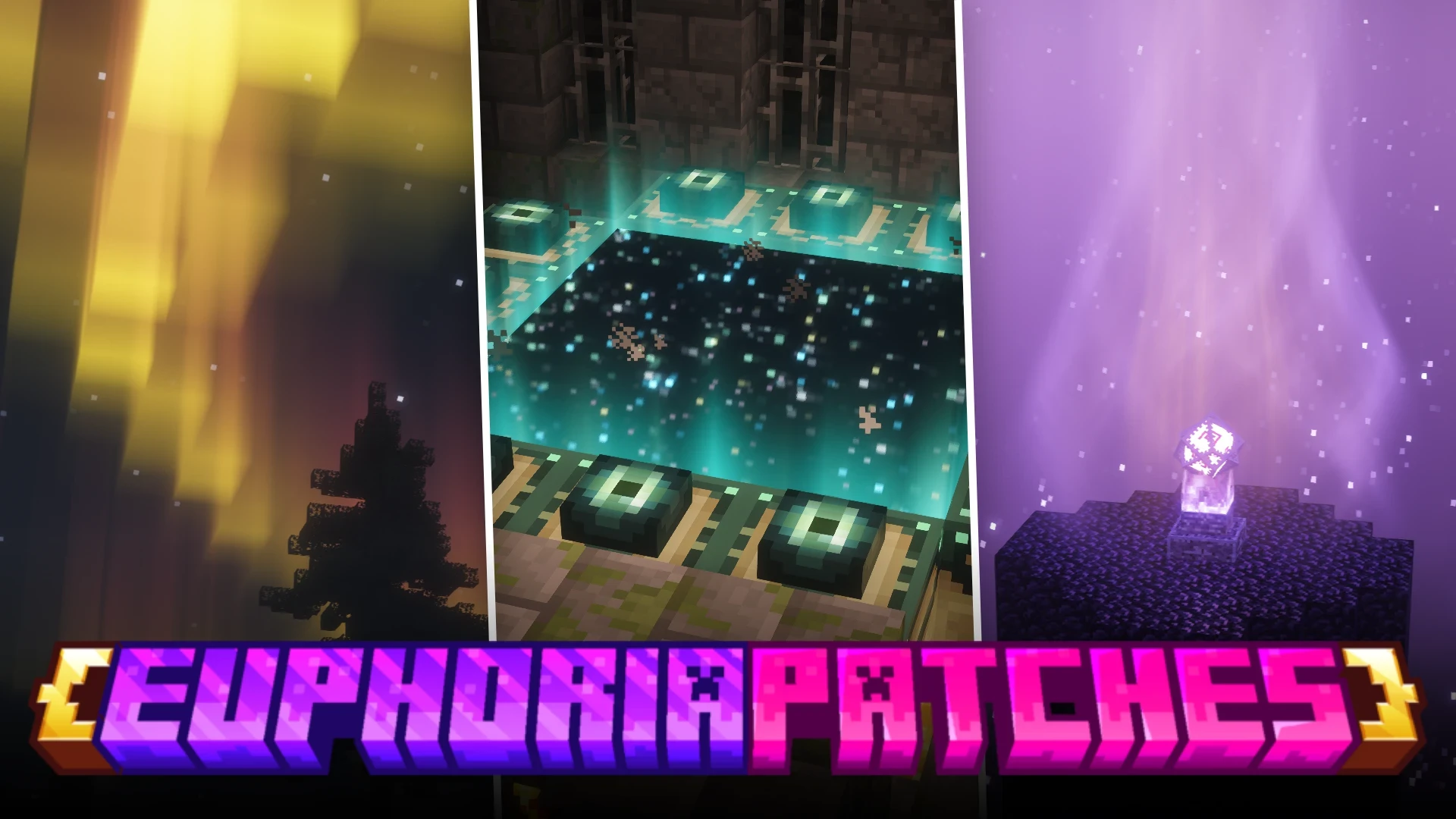


Euphoria Patches is an add-on for the Complementary shader pack that takes the in-game graphics to the next level! Let us take a look at some of the features of this amazing add-on.
You need to have either Complementary Reimagined or Complementary Unbound shaders pre-installed. Once you add Euphoria Patches to the .minecraft/mods folder, your shader pack selection screen will look like this:
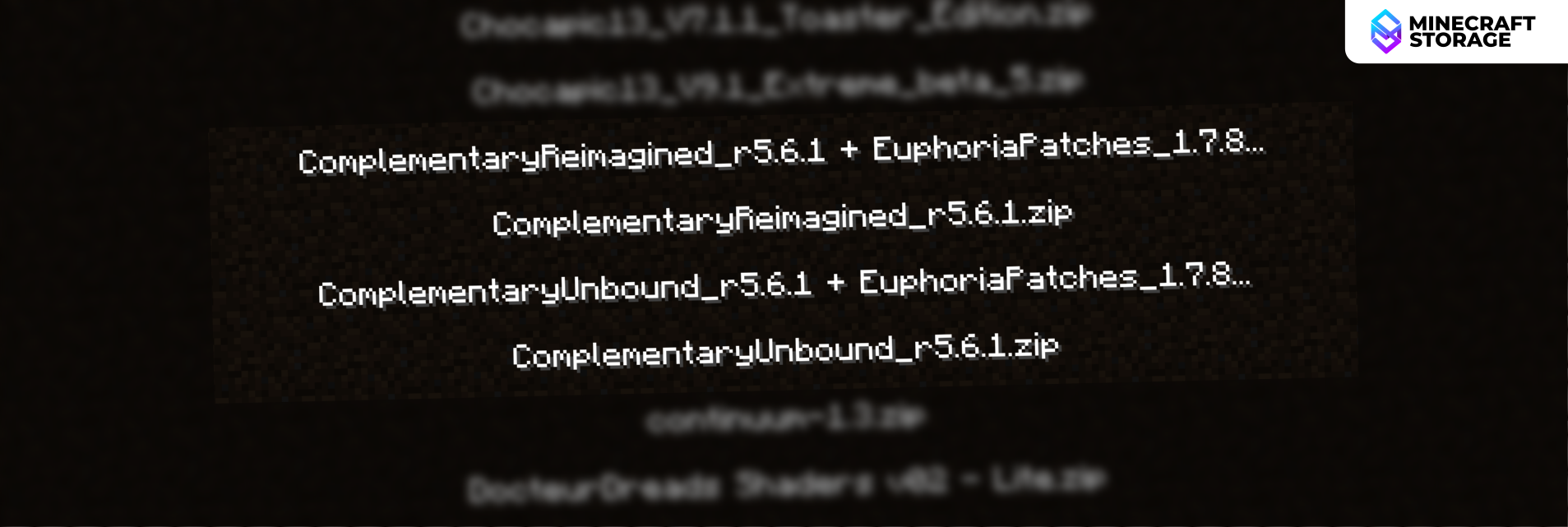
Along with the regular Reimagined and Unbound shaders, two more options labelled "+ Euphoria Patches" has appeared. Choose one of the Euphoria Patches versions.
Once chosen, head over to Shaderpack Settings > Euphoria Patches Settings. This is where you will get to play around with the various cool features introduced by Euphoria Patches.
Popular Settings
Under Shaderpack Settings > Euphoria Patches Settings, there is a button labelled Popular Settings. Click on the button to access the settings some of the most popular shader effects introduced by Euphoria Patches. Let us take a look at some of these effects in detail. Note that all of these effects have individual toggles provided.
Auroras
Auroras
Over a dozen variants
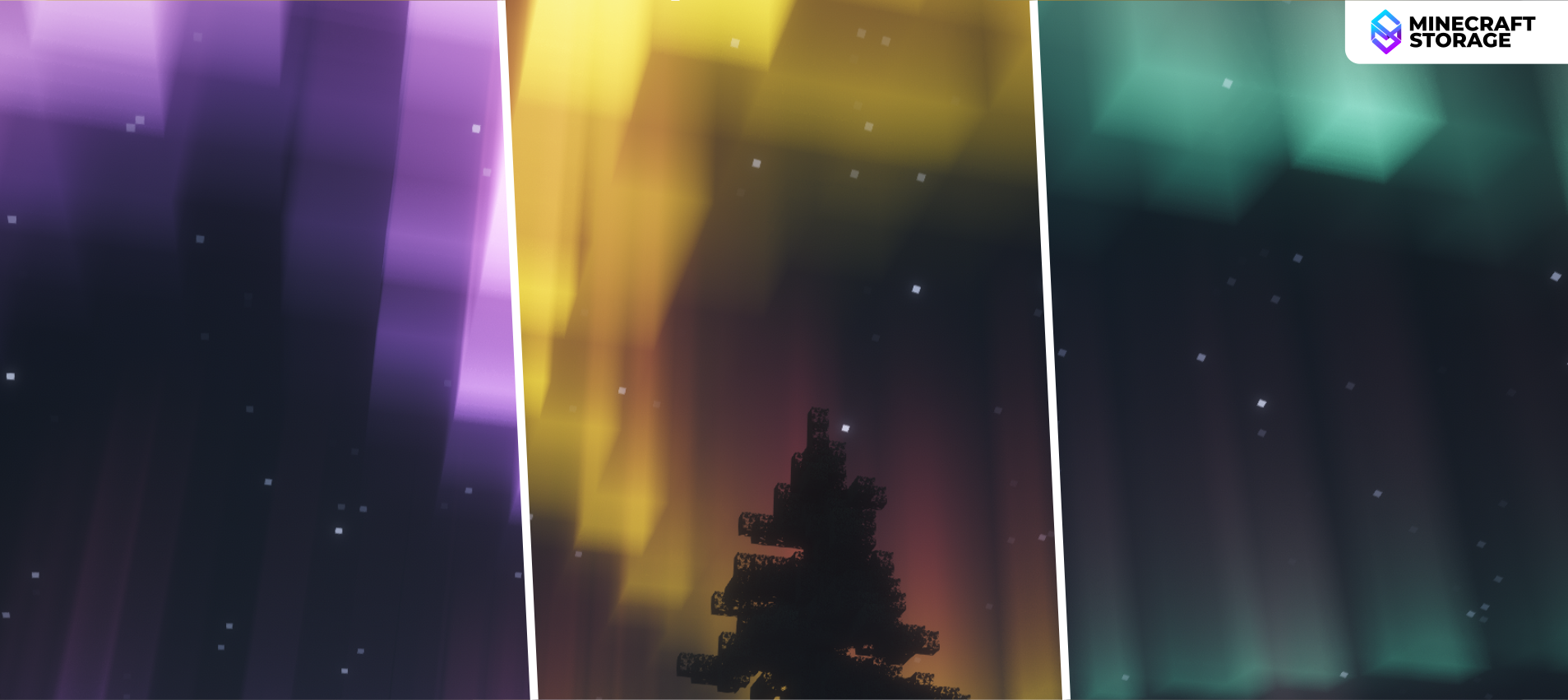
Auroras are common in many mid-end to high-end shaders. But when it comes to Euphoria Patches, you can choose from a selection of over twelve different Aurora styles. Additionally, an option called "Aurora Influence" can be toggled ON to make the light from the aurora affect your world. The comparison slider below shows how this option affects the world appearance.
As can be seen, the Aurora Influence effect causes the auroras to cast a shade of their light onto your world. This effect is especially noticeable in snowy biomes, where the terrain is mostly white. The color also depends on the type of aurora in effect.
Colored Light
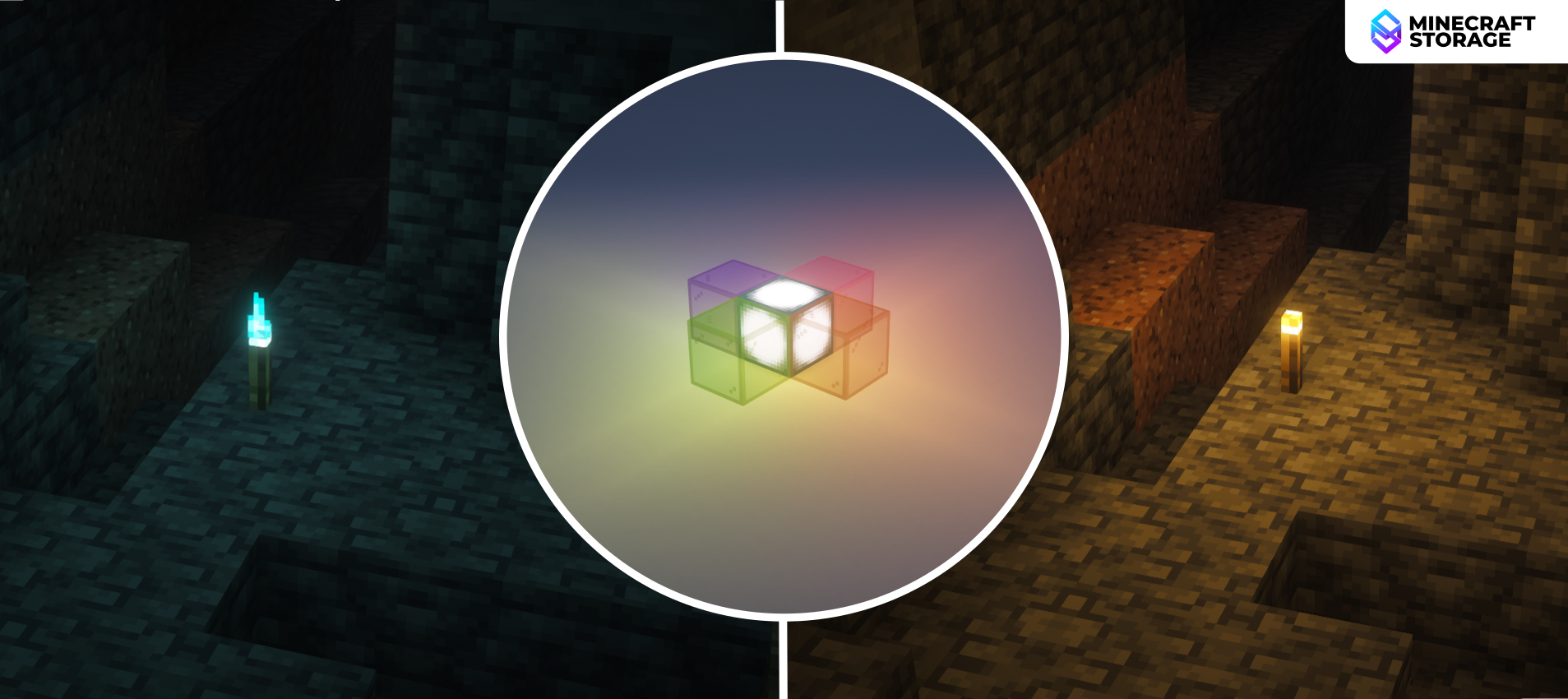
Light Colors
Color depends on source and path
Another notable feature is how the color of light depends on the source that emits it. Regular torches cast orange light, whereas soul torches cast blue light. Additionally, when light passes through colored transparent blocks, like tinted glass, the color of the emitted light will match the color of the glass.
Seasons
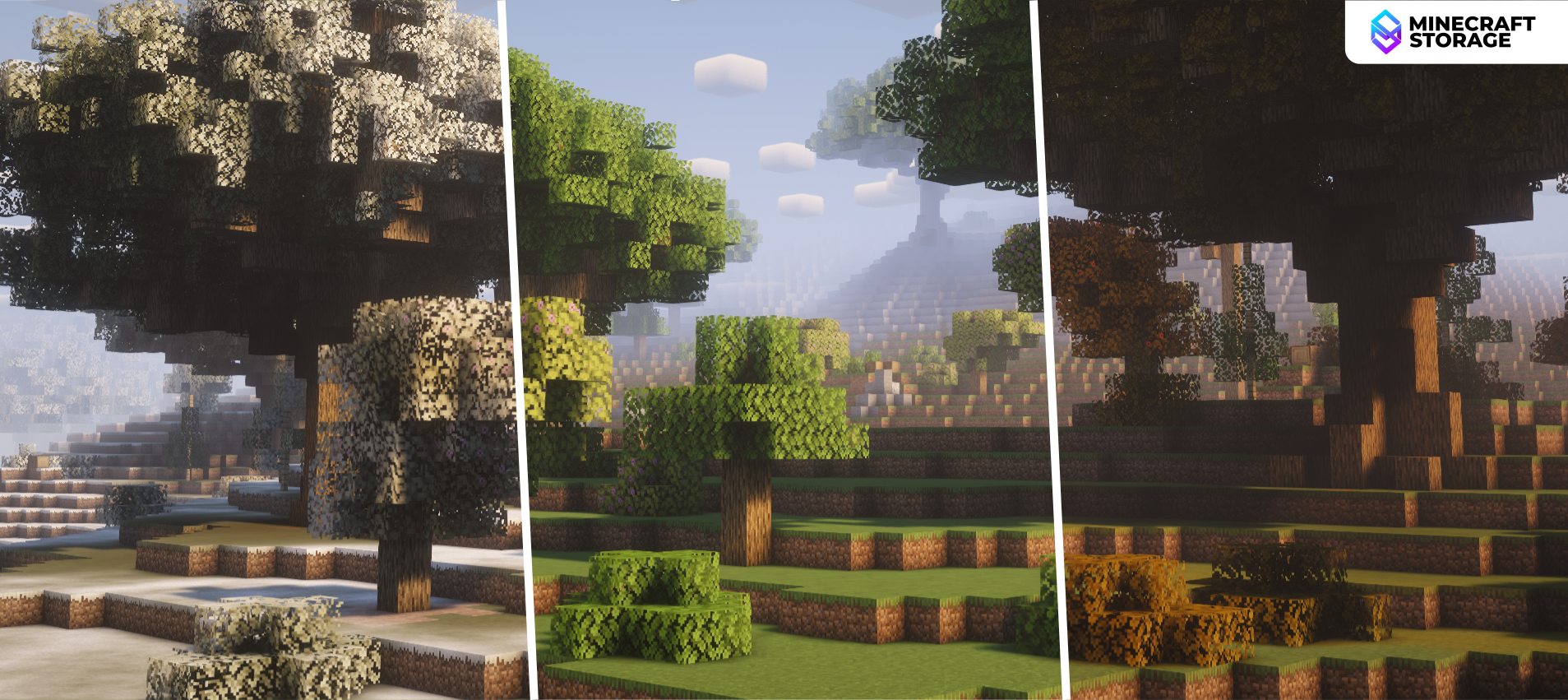
Four Different Seasons
World appearance varies with season
Enabling the seasons feature adjusts the color of your world depending on the time of the year. There are four seasons in total - Summer, Autumn, Spring and Winter. During winter, tree leaves and grass blocks in the world to turn white, making them appear similar to snowy biomes.
Additionally, this setting can also be adjusted so that one season is fixed for the entirety of time. So if you want to survive in a cold winter-land for all of your survival journey, it is very much possible.
Waving Lava and Edge Effect
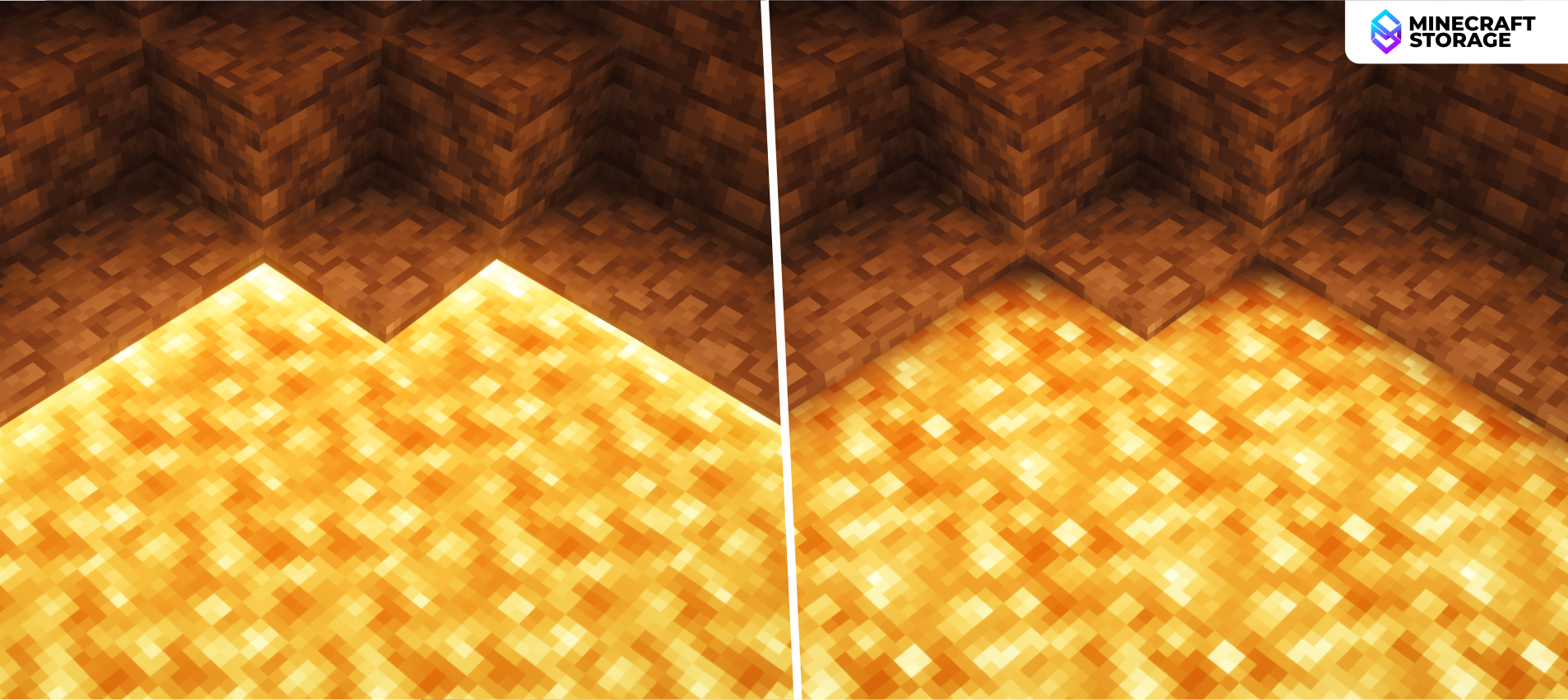
Lava Edge
Bright and Dark edges
This is a subtle, yet noticeable effect that makes the game look a lot more immersive. You can choose to add either bright or dark edges to lava. Also, it is now possible to toggle the wave effect for lava, so that the lava surface waves, like shader water does.
Epic Thunder
Usually when lightning strikes, only a white beam appears and nothing really happens, other than a small fire being ignited at the point of impact. But now you can make lightning appear more intense. With this effect toggled ON, lightning strikes will make the surroundings very bright, including the sky. The comparison slider above showcases the difference very well.
Let us now take a look at some shader features made specifically for the Nether Dimension.
Chameleon Portals
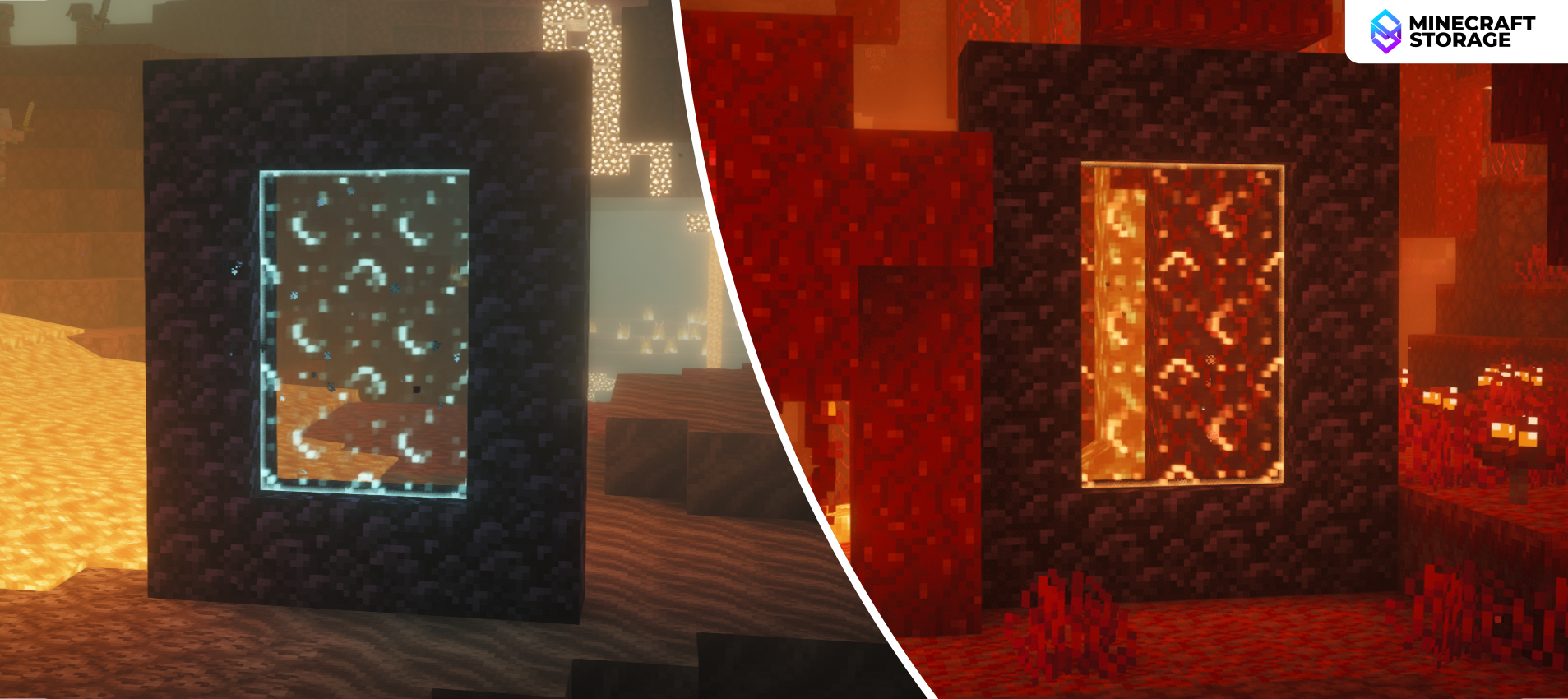
Chameleon Portals
Portal color depends on biome
Depending on the biome that a portal is built in, portals in the Nether will have different colors. With the effect OFF, portals appear in the regular purple color. But when the effect is toggled ON, portals in soul sand valleys appear blue, those in warped forests appear red, etc.
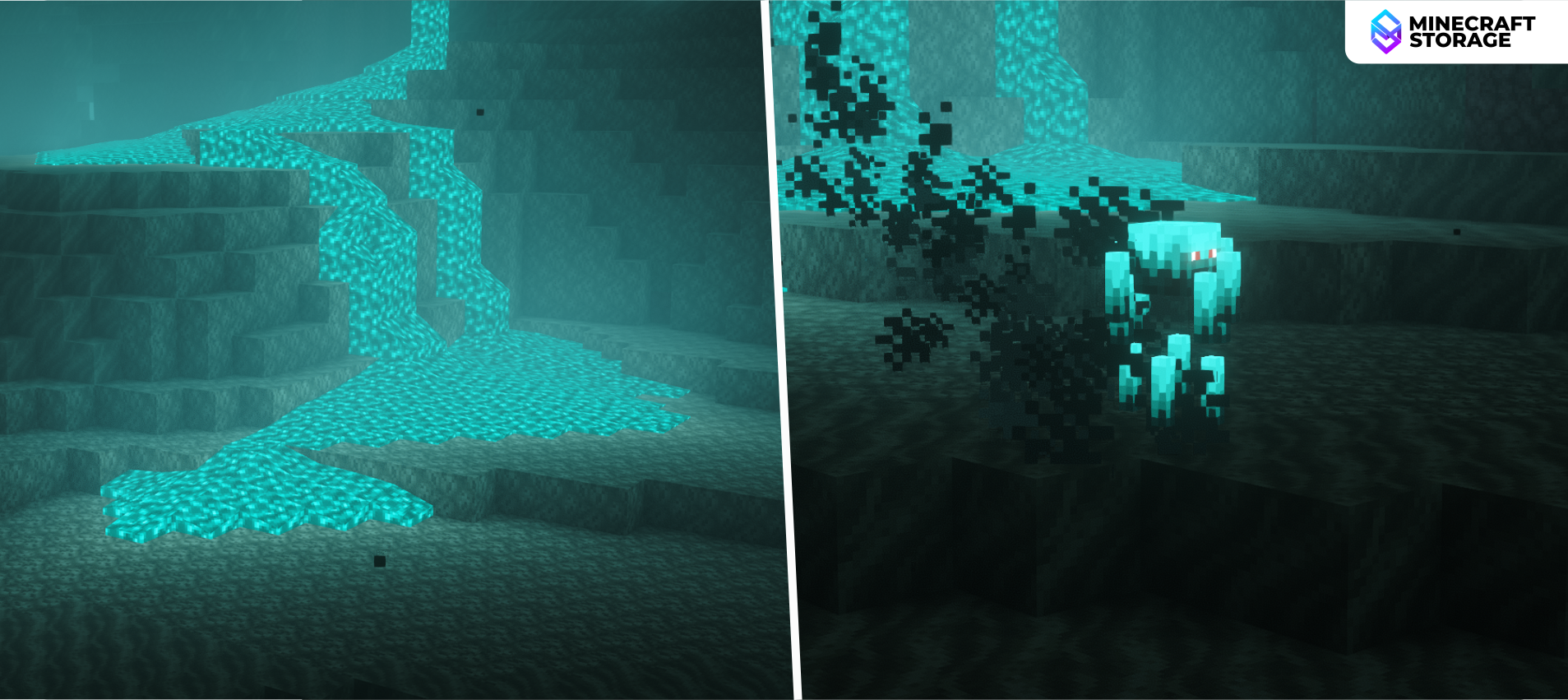
Soul Sand Overhaul
Soul Sand Overhaul
Fire and related light are blue
This effect makes every fire-related light source appear blue. This includes lava, ignited fire, magma blocks, etc. All these will appear blue in soul sand valleys. Mobs like blazes will turn blue when brought into a soul sand valley biome.
Glowing Wart Blocks
This effect makes wart blocks have glowing pixels on them. The effect simply makes these biomes look a lot more beautiful and makes exploring them a treat for the eyes.
Nether Sky Noise
This is an effect that does not affect you much, unless you visit the Nether roof. Some players utilize the Nether roof to build pigmen farms and such. If you are one such player, turn on this effect to add some noise to the sky.
Some of the most beautiful effects introduces by Euphoria Patches take place in the End Dimension. Let us explore some of these effects.
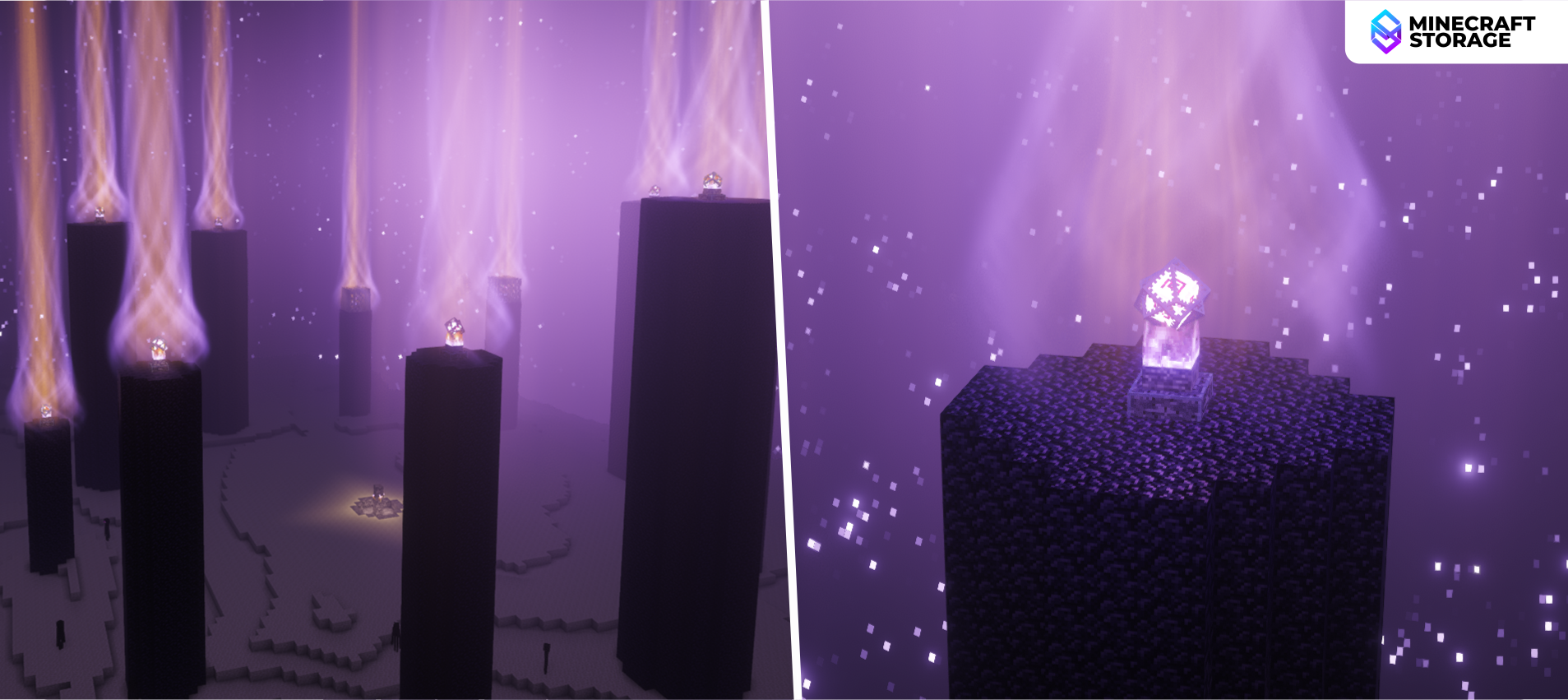
Crystal Vortex
Crystal Vortex
Appears over end pillar end crystals
This effect adds a whirling vortex effect on top of the End pillars. These vortices span high into the sky and gives the main End island a truly unique look. Furthermore, when re-summoning the ender dragon, the end crystals placed around the central portal too creates a huge vortex during the re-summoning process.
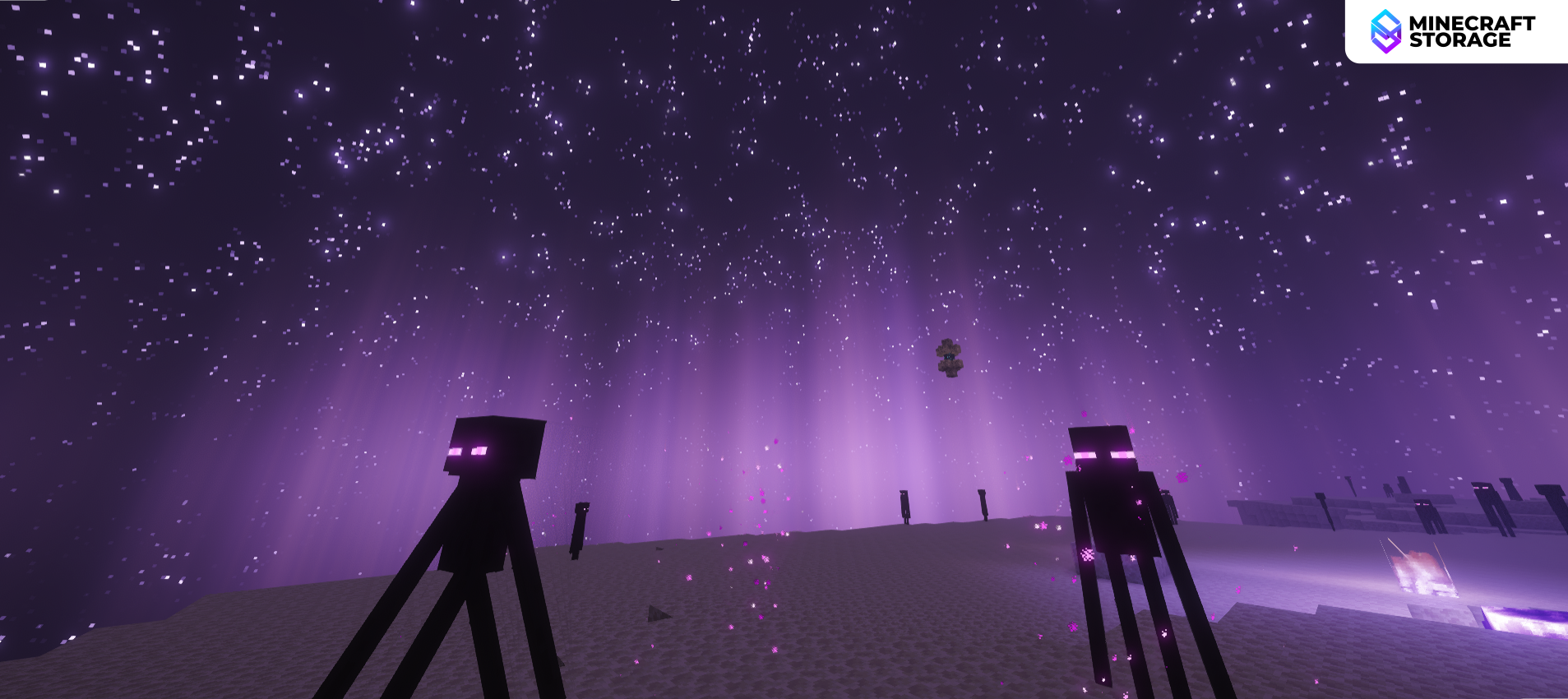
Stars
End Stars
Highly configurable stars in the sky
Stars help make the End sky look a lot more immersive. You can configure the star size, amount and twinkling effect in the shader pack settings to make the sky look a lot more dramatic. The image above shows the End sky when the star amount is set to maximum.
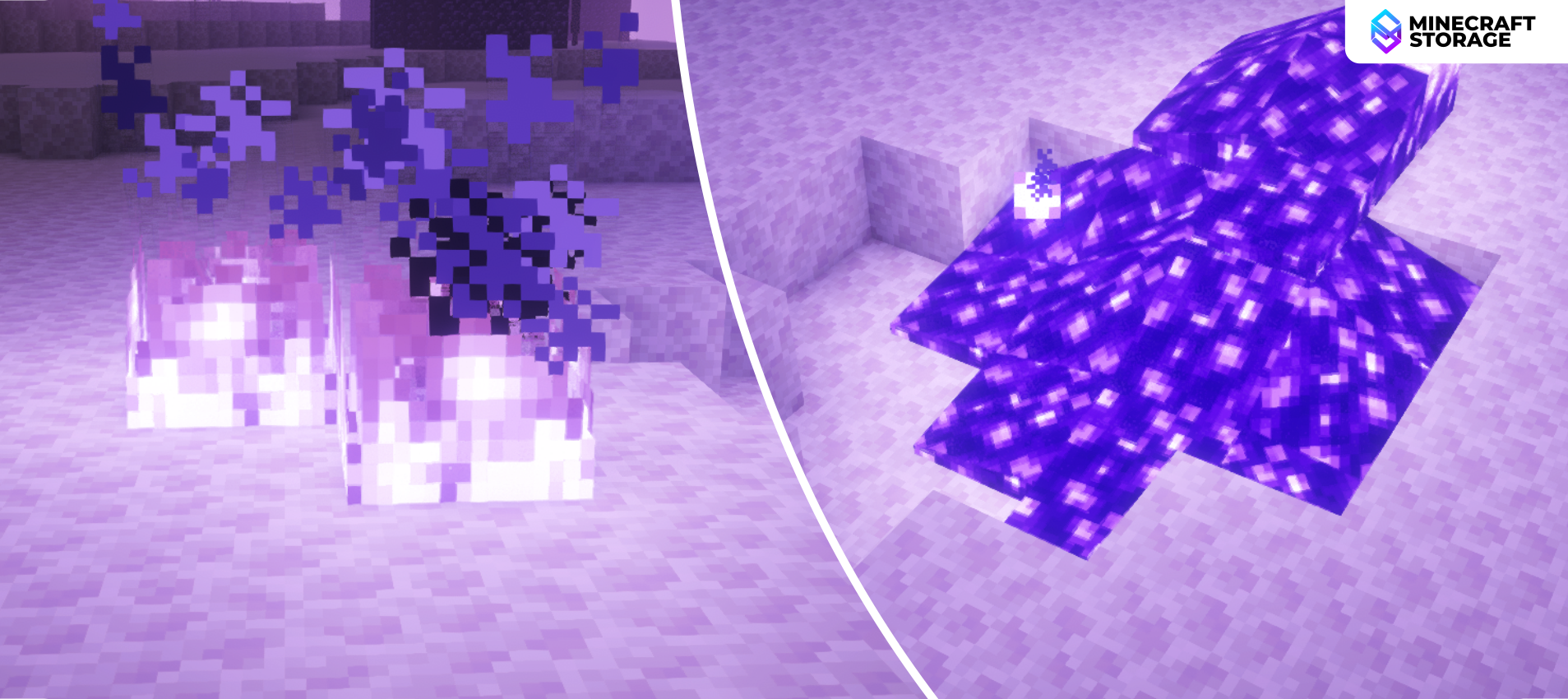
Purple End Fire
Purple Fire
Fire and related light are purple
In an above section, we discussed how the Soul Sand Overhaul effect makes all fire related elements in soul sand valley biomes appear blue. This effect is very similar to that. Toggling this effect ON will make all fire related elements purple. The light they emit will be purple colored too.
Dragon Death Effect
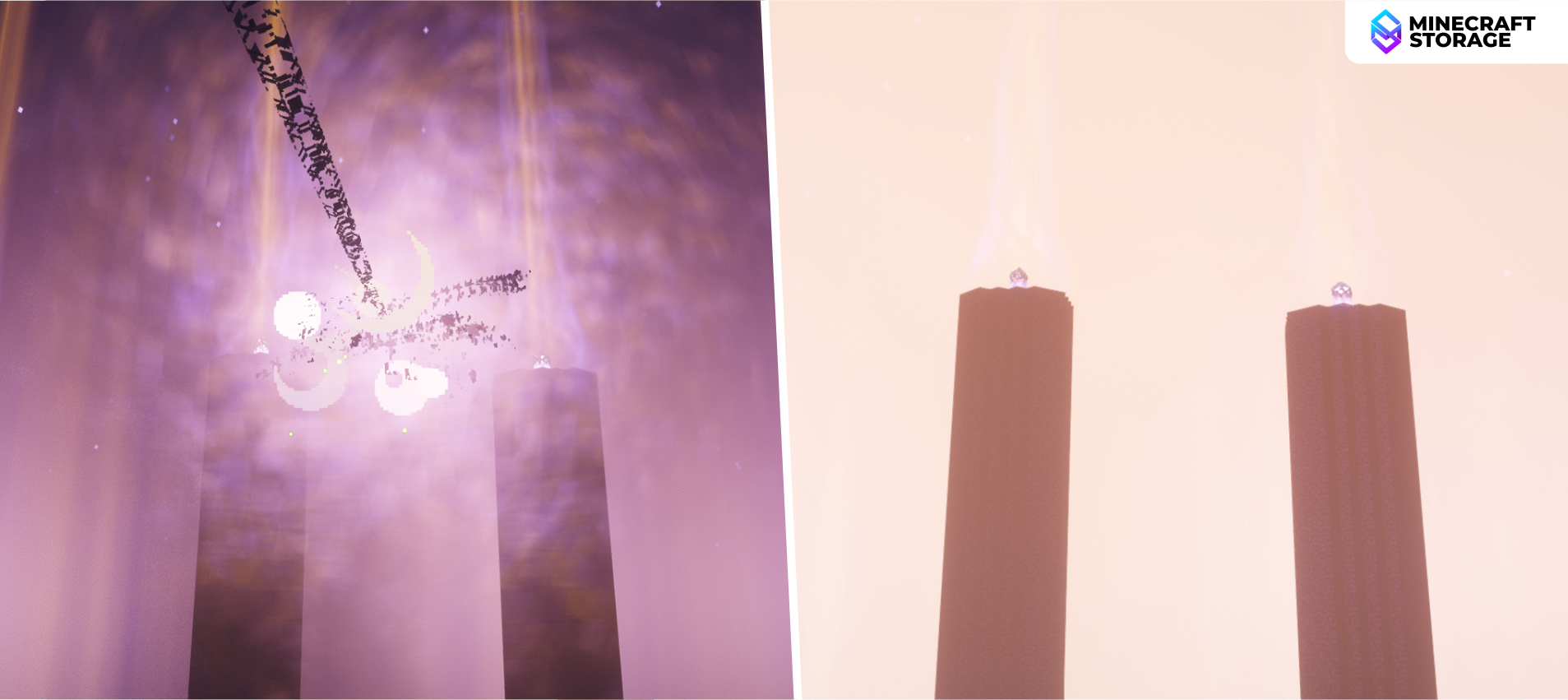
Dragon Death Effect
Defeating the dragon is more dramatic
Defeating the ender dragon is not like killing any other mobs. The dragon is considered to be the final boss, and with this effect toggled ON, defeating the dragon now happens with much more intense effects. The defeated dragon will vanish into a light vortex and the entirety of the End will flash white.
End Smoke
This effect adds a smoke effect to the End sky. Amongst the stars and the rays, this effect helps add more detail to the otherwise empty space within the End sky.
Other Effects
We have taken a look at some of the most beautiful effects that come under the Popular Settings option. Let us now explore some more beautiful effects introduced by Euphoria Patches.
World Curvature
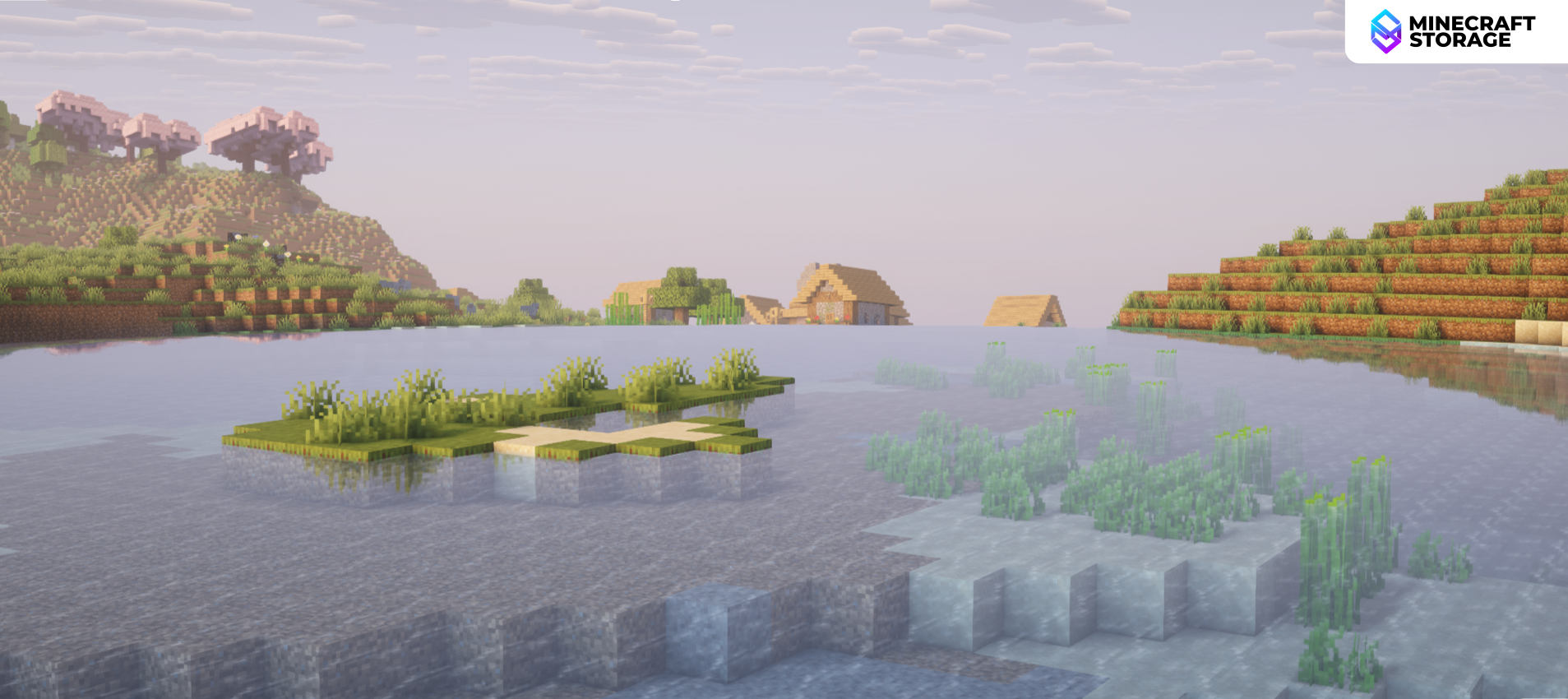
Negative Curvature
Realistic and Immersive
The world curvature effect makes the horizon curve as if the world is round. This is inspired by real-life horizon visuals. Give this effect a negative value for a fun, immersive effect.
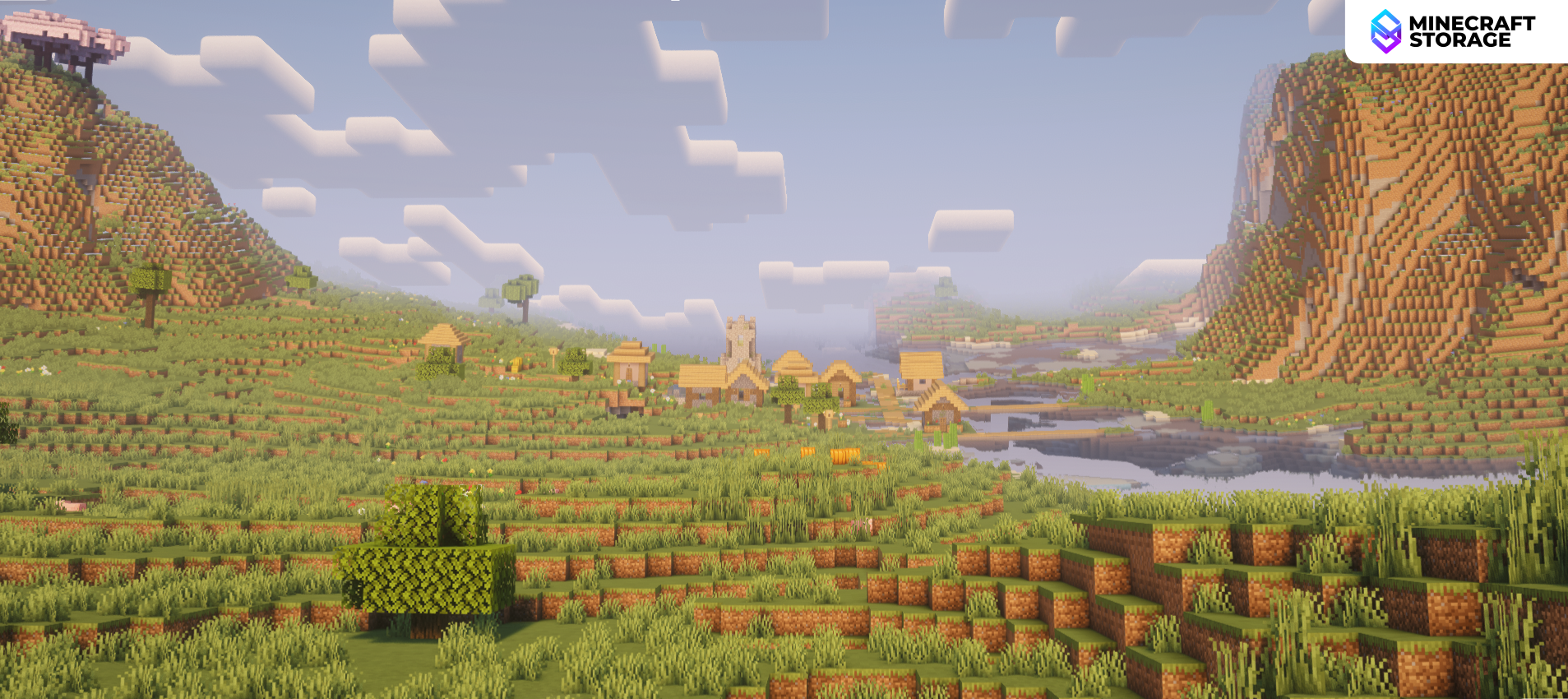
Positive Curvature
Fun and Trippy
While it is recommended to give this effect a negative value for a dipping curvature, you can also choose to give it a positive value. This makes the distant horizon appear to fade in from the sky, which is a fun and trippy effect.
Bloodmoon
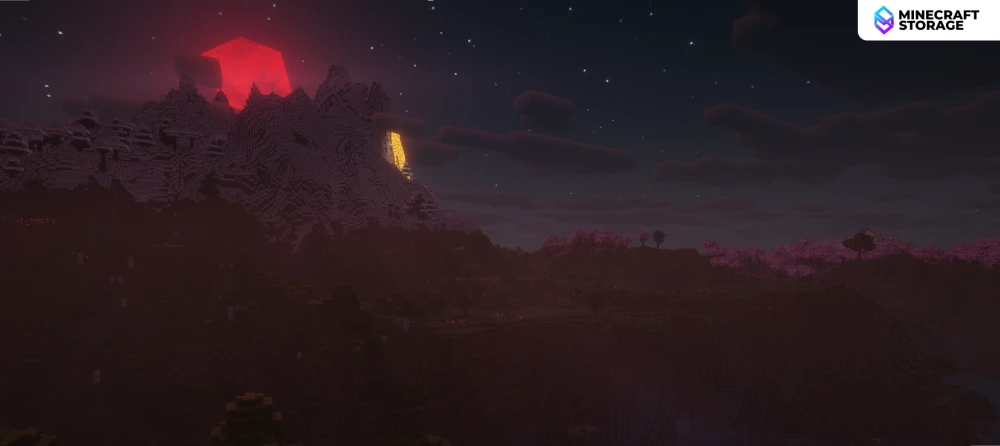
Bloodmoon Effect
Under Spooklementary Settings
Under the option to toggle Spooklementary, you will find an option to toggle the Bloodmoon effect. You can set it so that bloodmoons occur during full moons or every night. During a bloodmoon, the world appears darker than usual and the moon appears intense red in color. The second image shows a bloodmoon along with the "Overworld Beams" effect enabled.
Mirror World
Mirror World
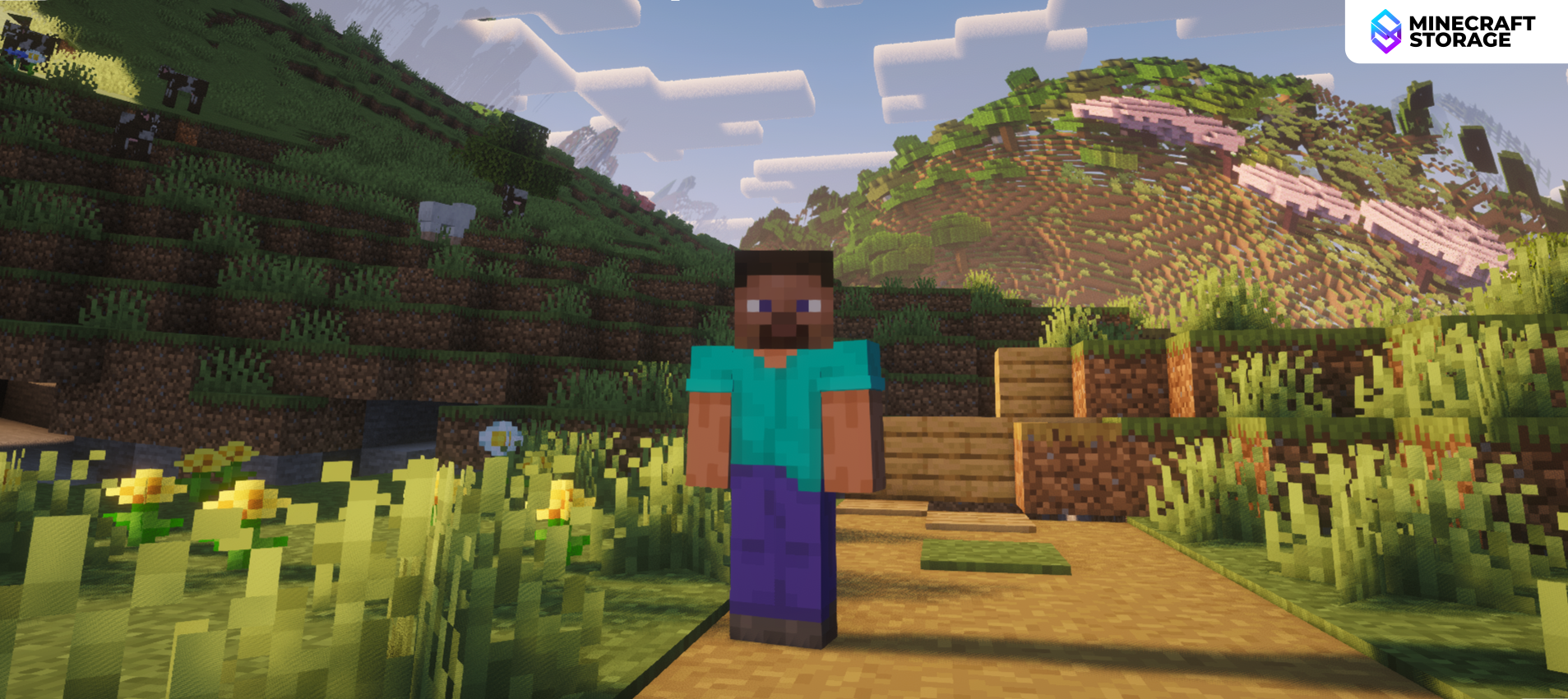
The entire world waves!
Have you watched that scene from the Doctor Strange movie, where the entire world appears to bend on itself in a confusing manner. The mirror world effects makes a similar effect possible in Minecraft. When this effect is toggled ON, distant chunks will appear to bend and move in a wave-like periodic motion.
Camera Effects
Camera Effects
Great for screenshots
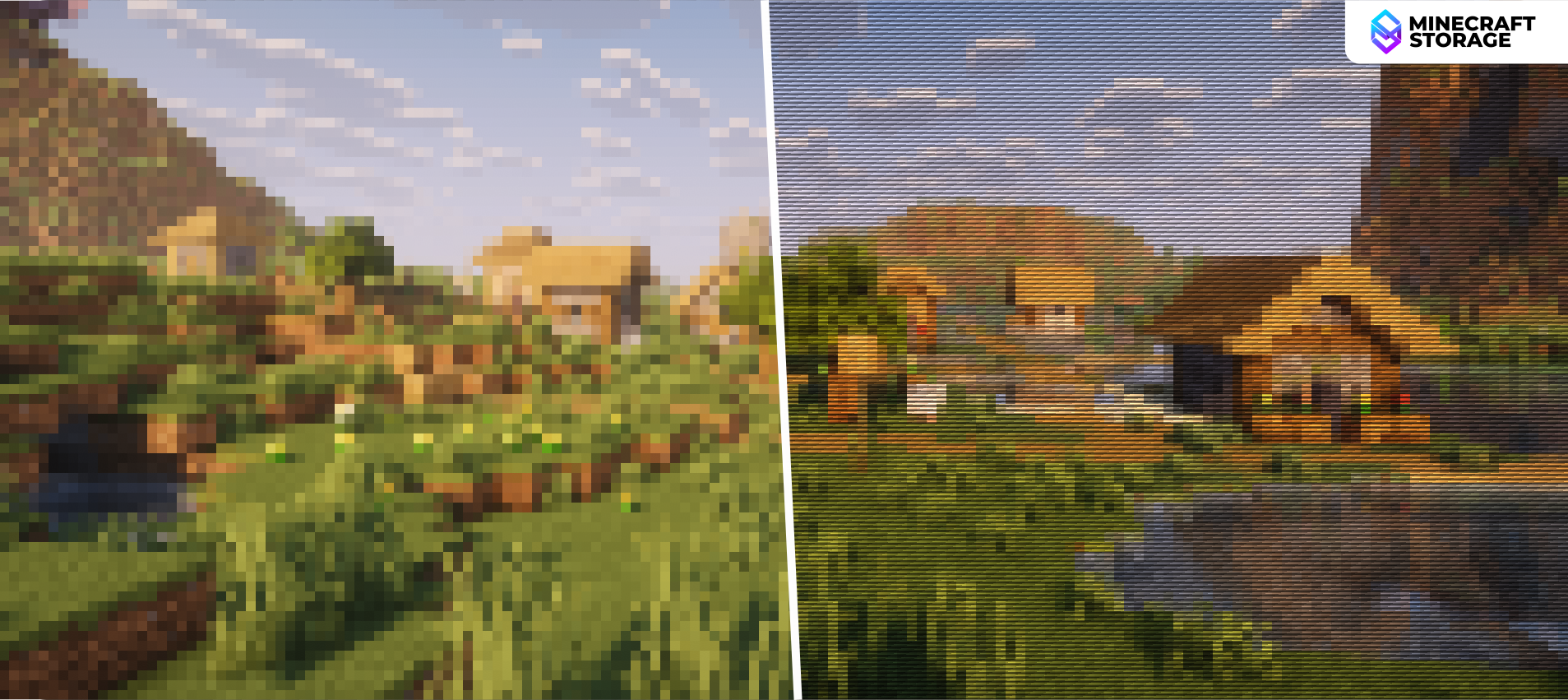
You can choose between four different camera effects that will give your game a different look, like pixelated or retro. While playing with these camera effects seems inconvenient, you can use them to capture decent screenshots.
End Portal Ray
This effect gives your End portals a ray effect on their borders. This is an effect inspired by Minecraft Dungeons and makes End portals look more immersive.
Pixelated Water Reflections
This is a subtle effect that is made for those who pay attention to the tiny details. This effect simply makes the reflections on water surfaces appear pixelated. Use the comparison slider above to see the slight difference.
Darkness Desaturated
This effect simply lowers the saturation level of your world, when the lighting gets too dark. This slightly improves your vision as finer details become more visible as the saturation is decreased.
No Rain Above Clouds
The effect’s name accurately describes what it does. This is especially useful for players who travel a lot using elytras. If it is raining, players can simply choose to fly over the clouds so that the rain will not obstruct their vision.
Remarks
The Complementary shader packs are well-optimized and can provide decent performance on any system as long as the settings are configured well. If your system performs well with Complementary shaders enabled, playing with Euphoria Patches Effects should not be an issue. Also, the mod is compatible with LoD mods like Distant Horizons. If you want to push your game visuals to the next levels, this mod is a must have.
What's Next
Supported shaderpacks interesting
Euphoria Patches requires one of these shaderpacks installed in order to work
 shaders
 shaders
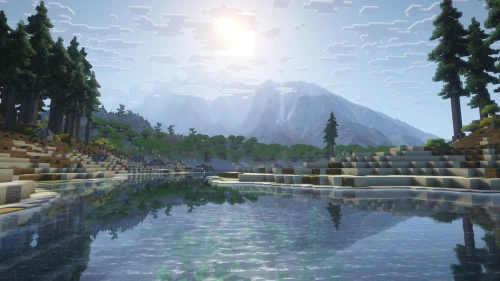
Enjoy a vanilla-aligned visual overhaul with the Reimagined version of the amazing Complementary shaderpack.