

Not rated yet
Creators and Publishers

MinecraftStorage
PublisherAdditional Links
You may find some useful information by following these links

https://modrinth.com/mod/gtp
Share this post


Grand Teleport (GTP) Mod
Zoom out/in teleportation transition effect inspired from Grand Theft Auto 5.
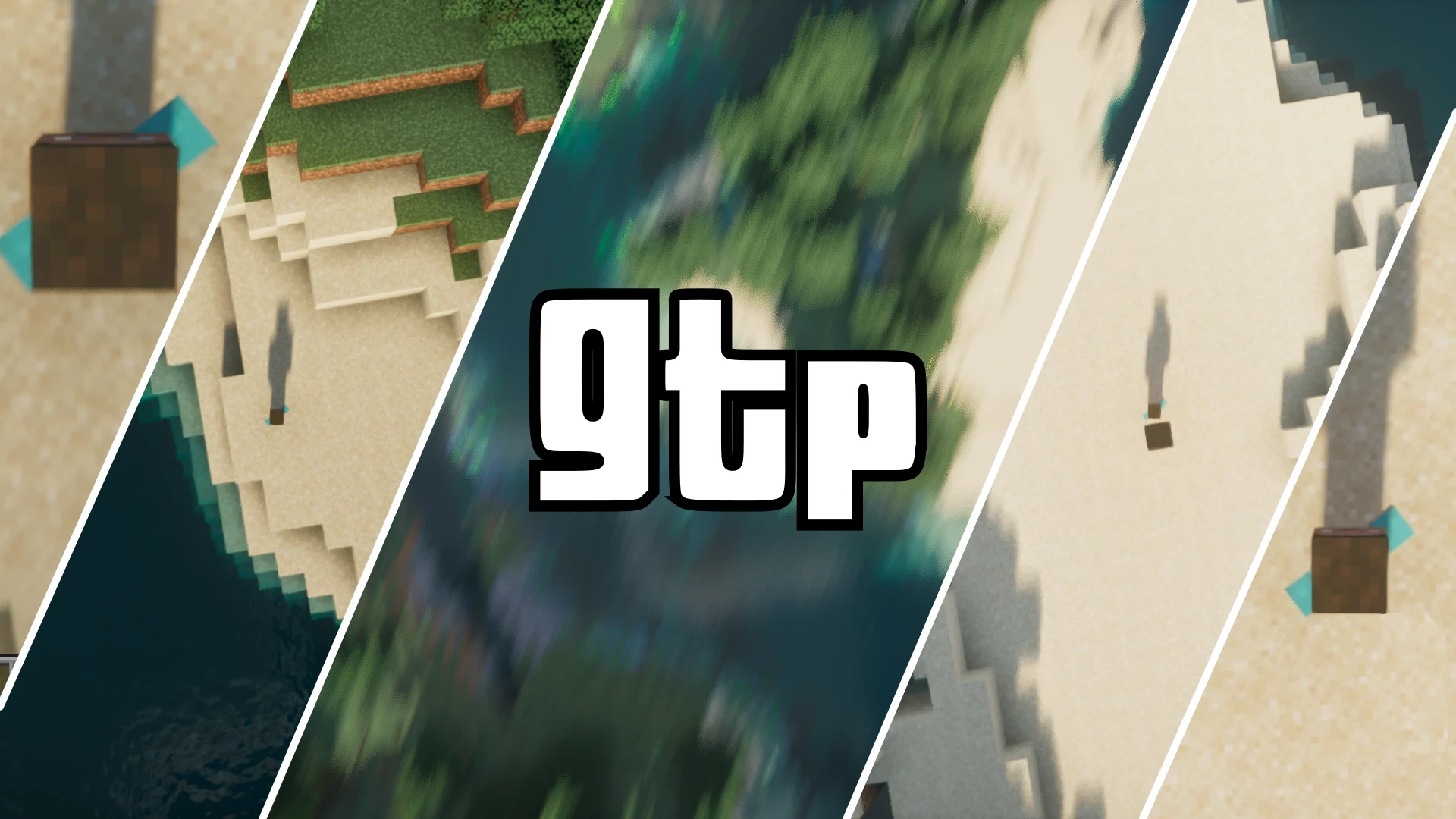

The Grand Teleport (GTP) mod introduces a teleportation transition effect inspired from the Grand Theft Auto (GTA) games. Let us take a detailed look at the mod and its settings.
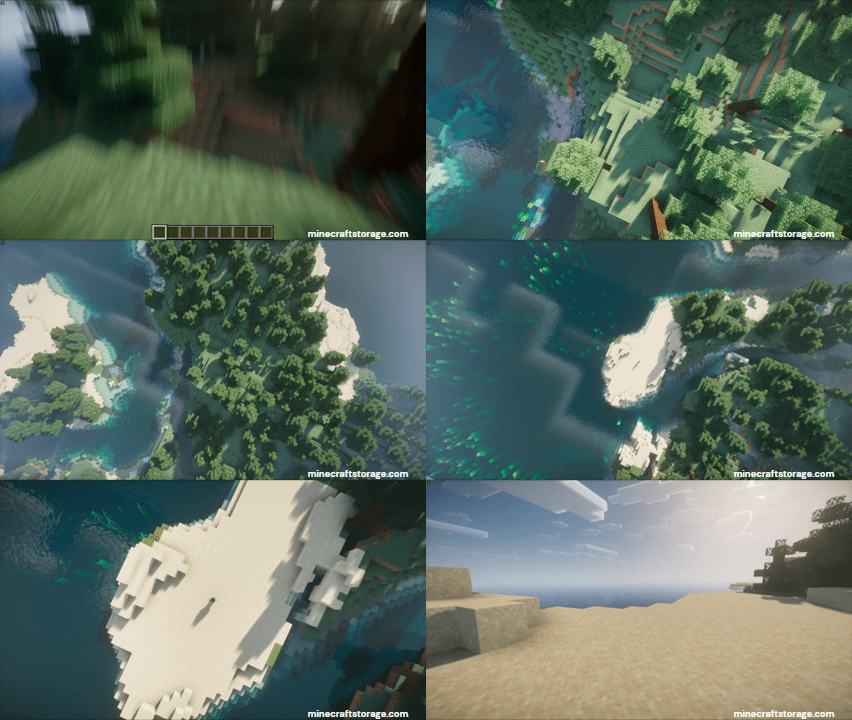
If you have player GTA5, you would know how teleporting between different different locations in the world happens with an animation that zooms-out the camera into the sky, move to the target location and then zooms-in to the target player POV. The Grand Teleport adds the same feature to Minecraft.
How to Use Grand Teleport?
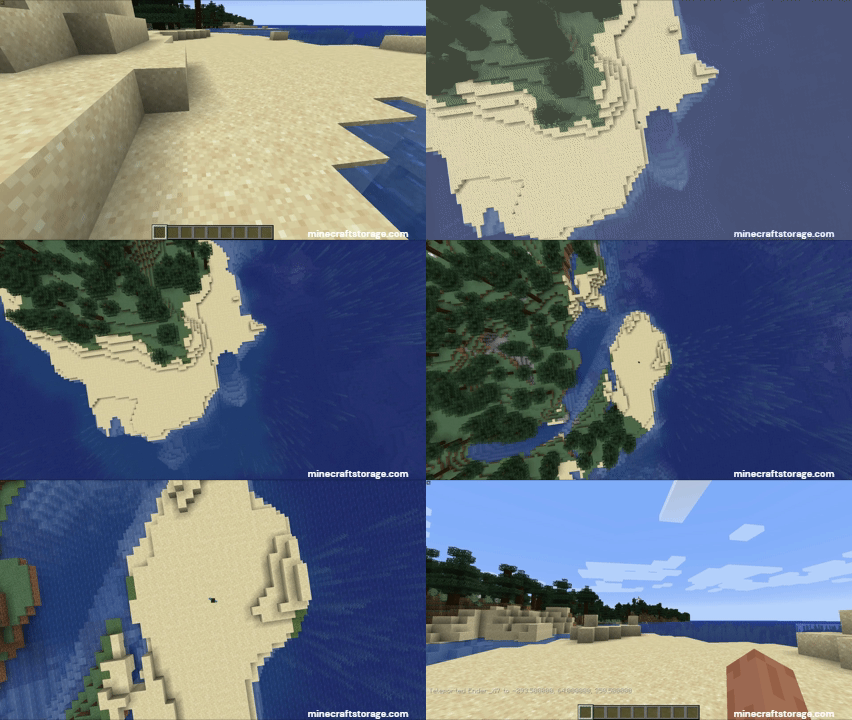
When you open the game with the mod installed, the transition effect already is in place. You can try it out in a world, and it work just fine. but problems start to occur when your render distance is too low. If the teleportation distance exceeds you chunk render distance, the Grand Teleportation effect will lose its immersion. But do not worry.
To ensure that the effect stays immersive to larger teleportation distance, it is recommended to install an LoD mod along with Grand Teleport. Mods like Distant Horizons or Voxy are recommended. It is also recommended to install mods that enhances chunk render speed and efficiency.
The Mod Settings
Grand Teleport comes with its own settings menu that is organized into different tabs. Understanding these settings is importation to fine tune the mod to your preference and to utilize it the maximum. Let us take a look at the different settings in detail.
General Settings
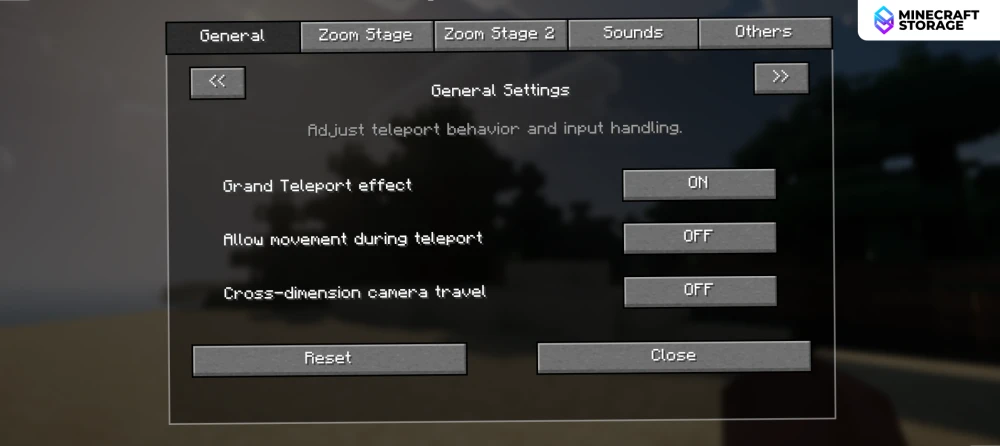
A universal toggle option is provided to enable/disable the entire mod.
Allow movement during teleport: Disabling this basically restricts any sort of player movement input while the transition is in effect.
Cross-dimension camera travel: When teleportation is done between two distinct dimension, enabling this setting allows for the GTP transition to take effect.
Zoom Stage Settings
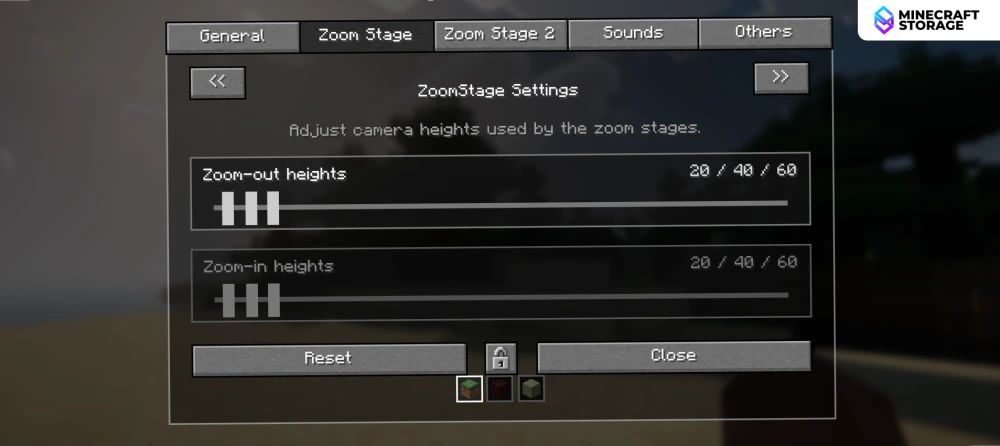
If you notice carefully, the Grand Teleport animation takes place by zooming in/out at three different height levels. the sliders provided on this screen will allow you to set the height values (from the player) for the three camera positions. These values can be adjusted individually for different dimensions.
For a dimension like the Nether, it is recommended to set lower height values, as high values can cause the camera to go above the Nether roof.
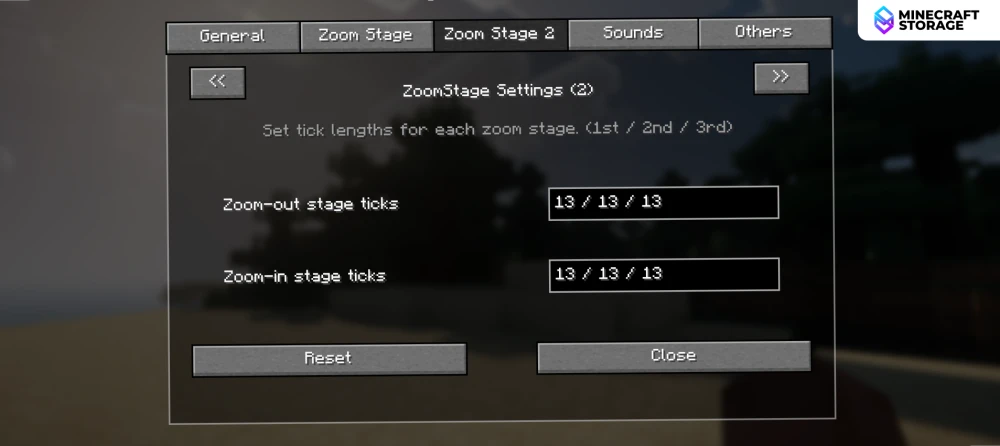
A second Zoom Stage settings tab is provided to adjust the duration of camera pauses at the three height levels. The default value of 13 ticks looks perfect. You can try playing around with the values to find the values you like.
Sound Settings
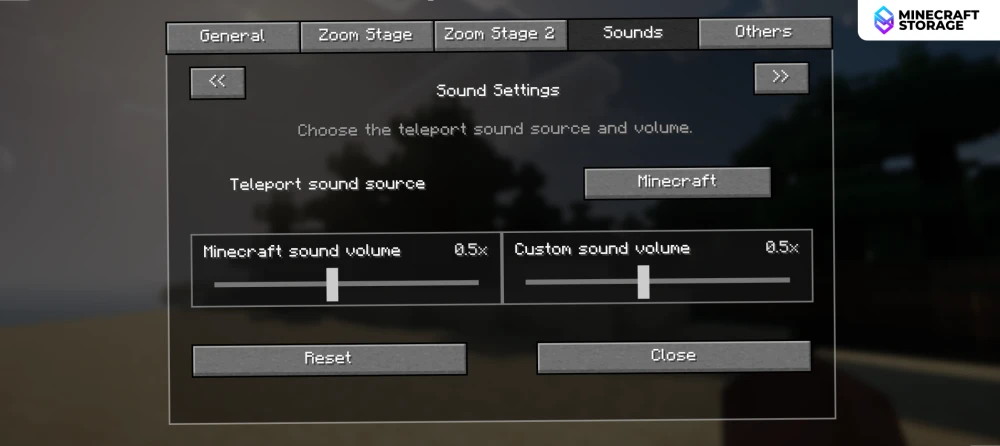
You can set sound effects for the Grand Teleport transition. Everything related to sound effects for the transition can be controlled here.
Conclusion
In short, Grand Teleport (GPT) is a mod that helps make the game feel a lot more immersive. Inspired from the GTA5 teleportation effect, the mod is a must-have for fans of both games. It is recommended to use the Mod Menu mod in order to access the mod settings.
What's Next
Other LOD mods enhancements
We think these additions will perfectly complement your gameplay
 mod
modExplore visual graphics beyond your wildest imagination. Extremely high render distances, now with shader support! Let your eyes meet the horizon thousands of blocks away.
 mod
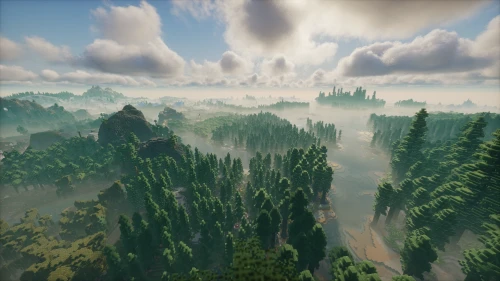
modView what lies far into the horizon and beyond! Enjoy the visual aesthetics of extremely high render distances.
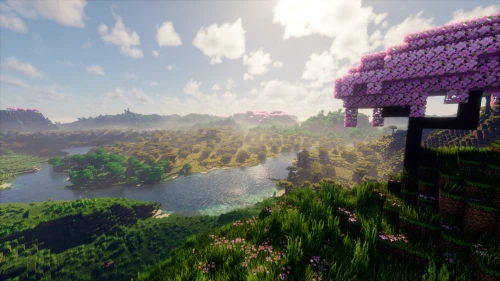 mod
modWorks in-hand with Voxy LOD mod to enhance far terrain generation with little to no stress on game performance.
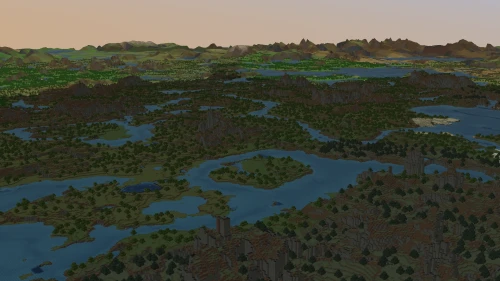 mod
modA brand new LoD mod that provides comparatively better game performance.
