

Not rated yet
Creators and Publishers

MinecraftStorage
PublisherAdditional Links
You may find some useful information by following these links

https://modrinth.com/shader/light-shaders
Share this post


LIGHT Shaders
A light-weight shader pack that introduces just the right amount of visual effects to make your game look amazing.
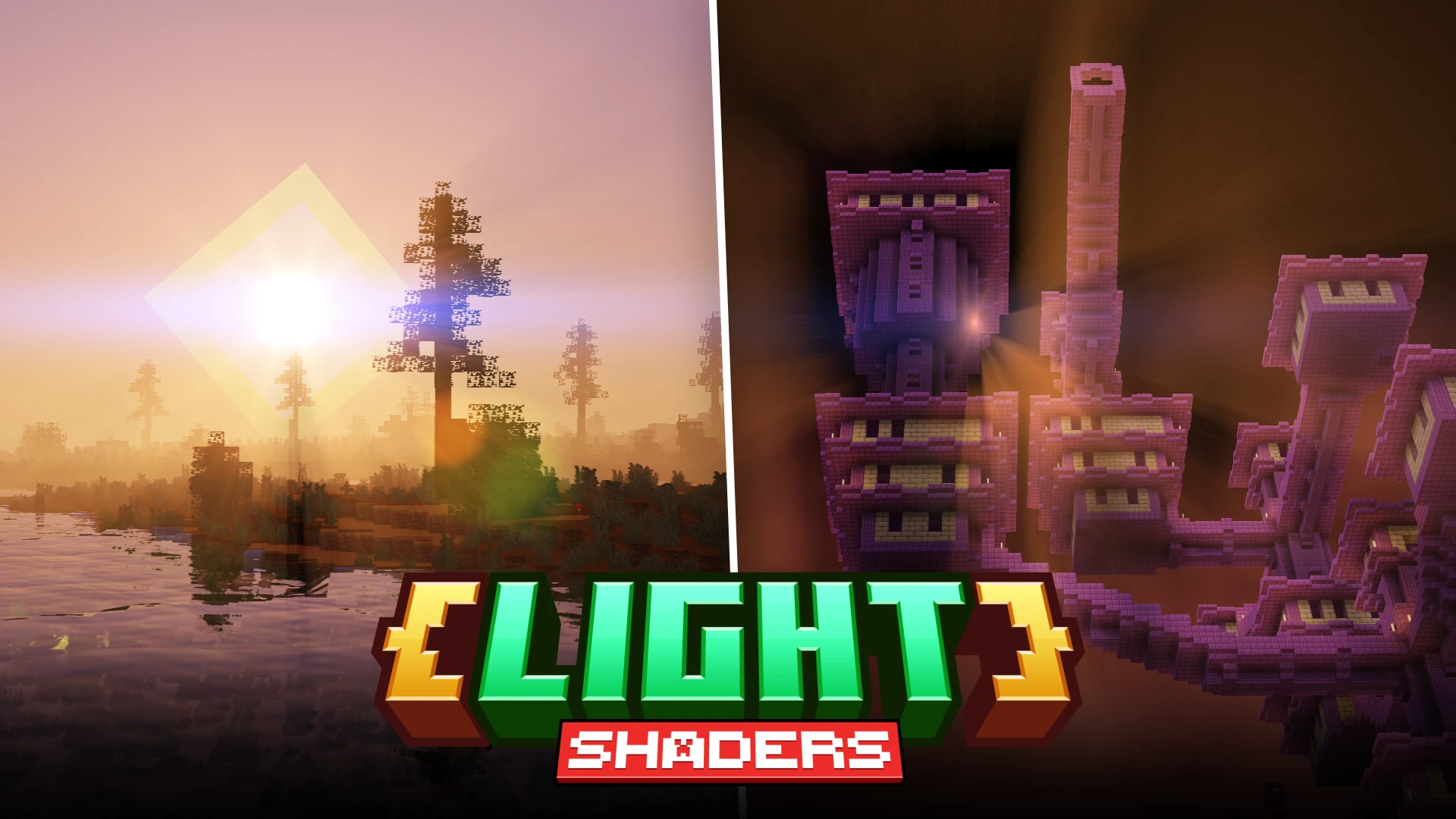

LIGHT Shaders gives Minecraft a striking visual upgrade through reflective water, atmospheric fog and lighting that changes the mood of familiar landscapes. Its official Modrinth page describes a performance-focused shader pack for Minecraft Java Edition, built on Chocapic13’s Shaders. From sunlit forests to dramatic End cities, its appeal lies in making exploration more atmospheric while keeping Minecraft’s recognizable blocky style.
Day vs Night: Two Distinct Atmospheres
LIGHT Shaders creates a strong distinction between daytime exploration and nighttime wilderness. Daylight brings warm highlights, bright reflections and a soft haze along the horizon, while night shifts the same landscape into cool blue tones and deep silhouettes. Water catches the remaining light after dark, helping define the shoreline even as nearby terrain becomes harder to see. This contrast gives the day-night cycle a meaningful visual presence, making a familiar location feel different when the sun goes down.
Water Comparison: Shader ON vs OFF
Water is one of the most noticeable upgrades in LIGHT Shaders, combining reflective surfaces with a clear view of underwater vegetation and the riverbed. With the shader enabled, reflections of trees and sky break up the surface, while subtle ripples give rivers a more textured appearance. The shader-off comparison shows a more uniform blue layer, making the difference especially clear around shallow banks. These improvements make lakeside builds and river journeys more visually rewarding without hiding the details beneath the water.
Godrays: Sunlight Through the Trees
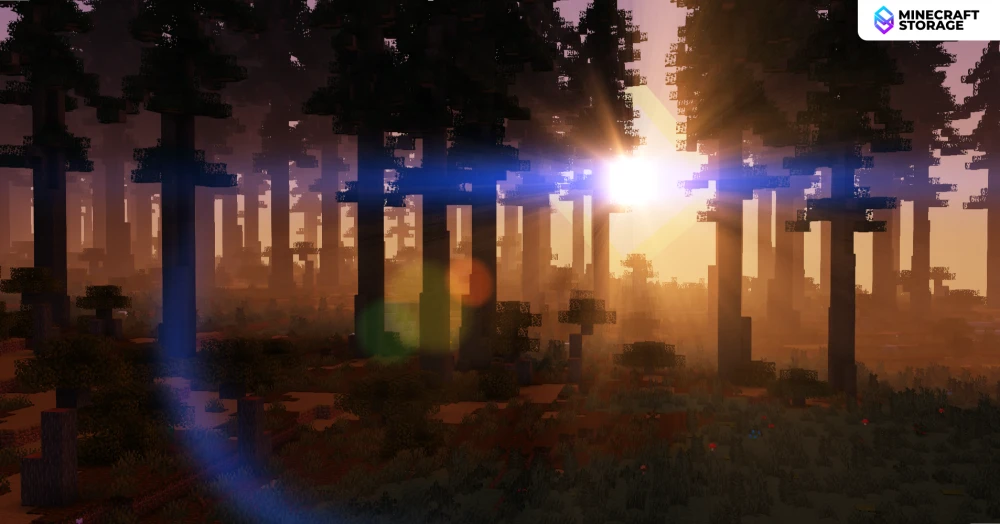
Godrays give LIGHT Shaders some of its most atmospheric moments, particularly when a low sun shines through trees. Visible shafts of light spread between trunks and foliage, adding depth to woodland scenes and emphasizing the contrast between open sunlight and shaded ground. Around the waterfront, the same lighting works with orange and pink skies to create a warm sunset atmosphere. Forest trails and shoreline builds benefit especially from this effect, gaining a stronger sense of place as the light changes.
Sun and Moon Lighting: Lens Glare
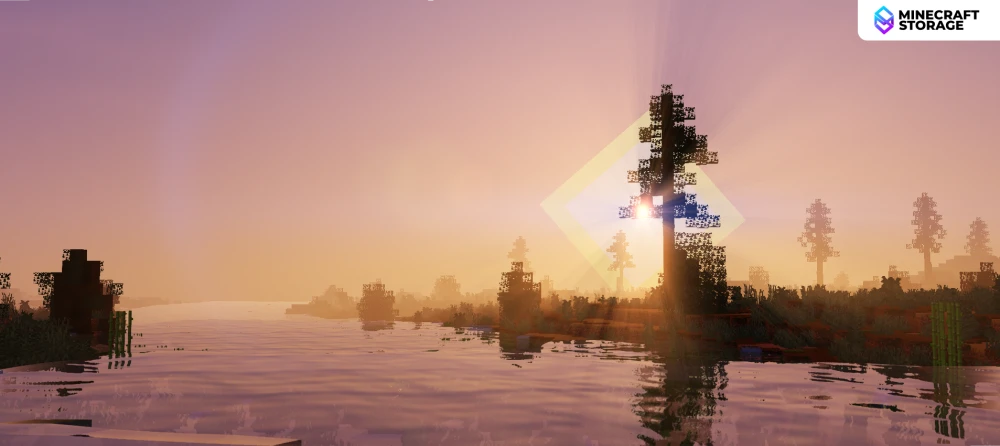
LIGHT Shaders adds a pronounced lens flare when looking toward the sun, with a bright horizontal streak, colored rings and scattered highlights across the view. In the forest scene, this glare works alongside the light filtering through the trees to create a cinematic appearance. The nighttime comparison has a cooler glow around the moon, giving evening scenes a different character from the warm sunlight. Players who enjoy dramatic Minecraft screenshots will appreciate this expressive lighting, although the daytime flare can draw attention away from nearby details.
Atmospheric Fog and Landscape Depth
The fog effect in LIGHT Shaders helps distant scenery recede naturally into the background. Across the forest, pale haze softens the farther trees while nearby grass, stone and water retain stronger definition. This separation adds depth to large landscapes and makes woodland areas feel more expansive. Combined with reflections and directional lighting, the fog gives the scene a cohesive atmosphere that extends beyond individual visual effects.
Regular Gameplay: How LIGHT Shaders Looks While Exploring
At a regular gameplay field of view, LIGHT Shaders brings its visual improvements into everyday exploration. Snow catches bright sunlight and patterned tree shadows, while grass, leaves and rocky slopes remain clearly recognizable beneath the enhanced lighting. The daytime scenes feel open and colorful, but the nighttime view is considerably darker, with foreground details becoming difficult to distinguish. That balance suits players who enjoy bright daytime travel and a more subdued, atmospheric wilderness after sunset.
Nether Comparison: Shader ON vs OFF
LIGHT Shaders gives the Nether a much stronger contrast between blazing lava and surrounding terrain. With the shader enabled, lava lakes and falls become intensely bright, while nearby netherrack and rocky ledges fall into deeper shadow. The shader-off view has a more even reddish appearance, making the illuminated version feel harsher and more dramatic. This treatment emphasizes the Nether’s hostile atmosphere, though darker areas can be less easy to read beside the brilliant lava.
End Comparison: Shader ON vs OFF
The End receives a distinctive transformation, replacing its subdued purple backdrop with dark skies crossed by reddish-orange cloudlike bands. End city towers take on richer purple tones, while brighter end stone gives the islands more separation from the surrounding void. In the comparison, this stronger color contrast makes the city’s branching architecture stand out more clearly. LIGHT Shaders gives End exploration a dramatic fantasy atmosphere while preserving the dimension’s familiar structures.
End Gallery: Cities, Chorus Plants and the Void
Across the End, the shader’s lighting creates different moods around cities, chorus plants and the central island’s obsidian pillars. Warm highlights pick out the stepped edges of end stone, while chorus plants stand vividly against the dark background. Looking upward through an End city reveals strong glare and colored flare effects that make its towers feel especially imposing. Together, these details give the dimension plenty of visual variety for exploration and Minecraft photography.
Game Performance
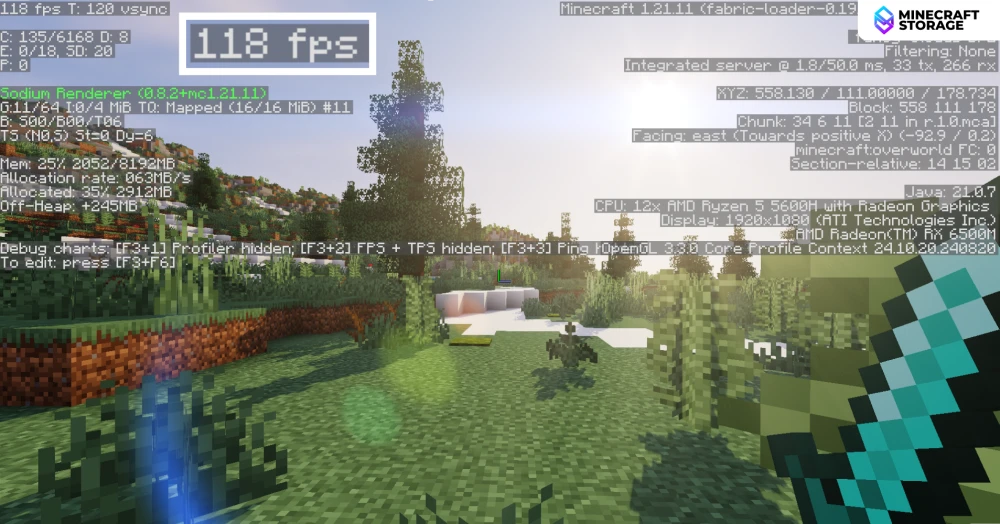
Both performance captures show 118 FPS at 1920 × 1080, using an AMD Ryzen 5 5600H and Radeon RX 6500M with LIGHT Shaders active. The debug overlay identifies Minecraft Java 1.21.11 with Fabric and Sodium, and shows VSync enabled with a 120 FPS target. These readings demonstrate high frame rates in the two captured outdoor scenes, although they are snapshots rather than an average benchmark. Performance on other systems will depend on shader settings, render distance and scene complexity.
Conclusion
LIGHT Shaders combines reflective water, dramatic godrays and atmospheric fog with a distinct visual treatment for all three Minecraft dimensions. Its strongest moments come from the interaction of these effects: sunlight filtering through a forest, reflections stretching across a river, or an End city rising against a dark red sky. For players seeking a Minecraft shader pack with expressive lighting and encouraging performance in the captured scenes, LIGHT Shaders offers a compelling balance of visual impact and everyday usability.
What's Next
Other low-end shaders alternatives
Not what you were looking for? Here are some great alternatives
 shaders
An amazing shaderpack that gives you superior graphics quality even on a low-end system.
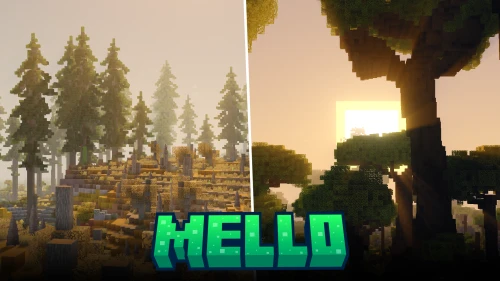 shaders
A high-performance shader pack that provides beautiful game visuals, even on low-end systems.
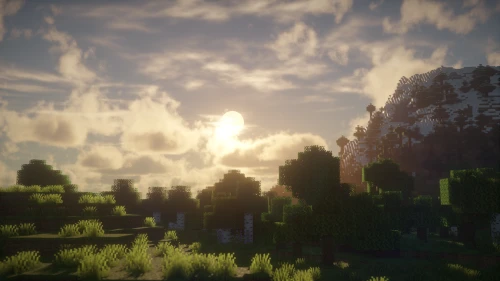 shaders
An underrated shader pack that provides insanely good visuals with minimal impact on game performance.
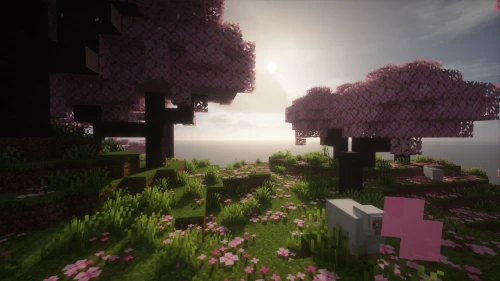 shaders
The lighter version of a very realistic shader pack, made with the intention of providing mesmerizing visuals even on low-end systems.
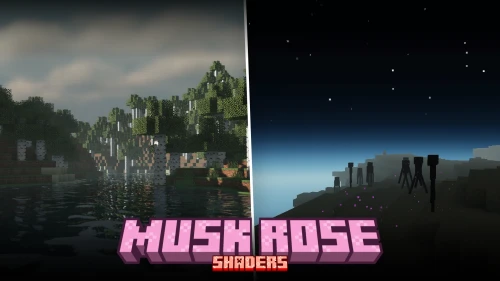 shaders
Offers simple, crisp enhancements like reflective water and volumetric clouds without unnecessary visual effects
 shaders
Experience high-quality visual aesthetics at minimal performance cost.
