


Rated 3.3/5.0 by 3 users
Hysteria Shaders
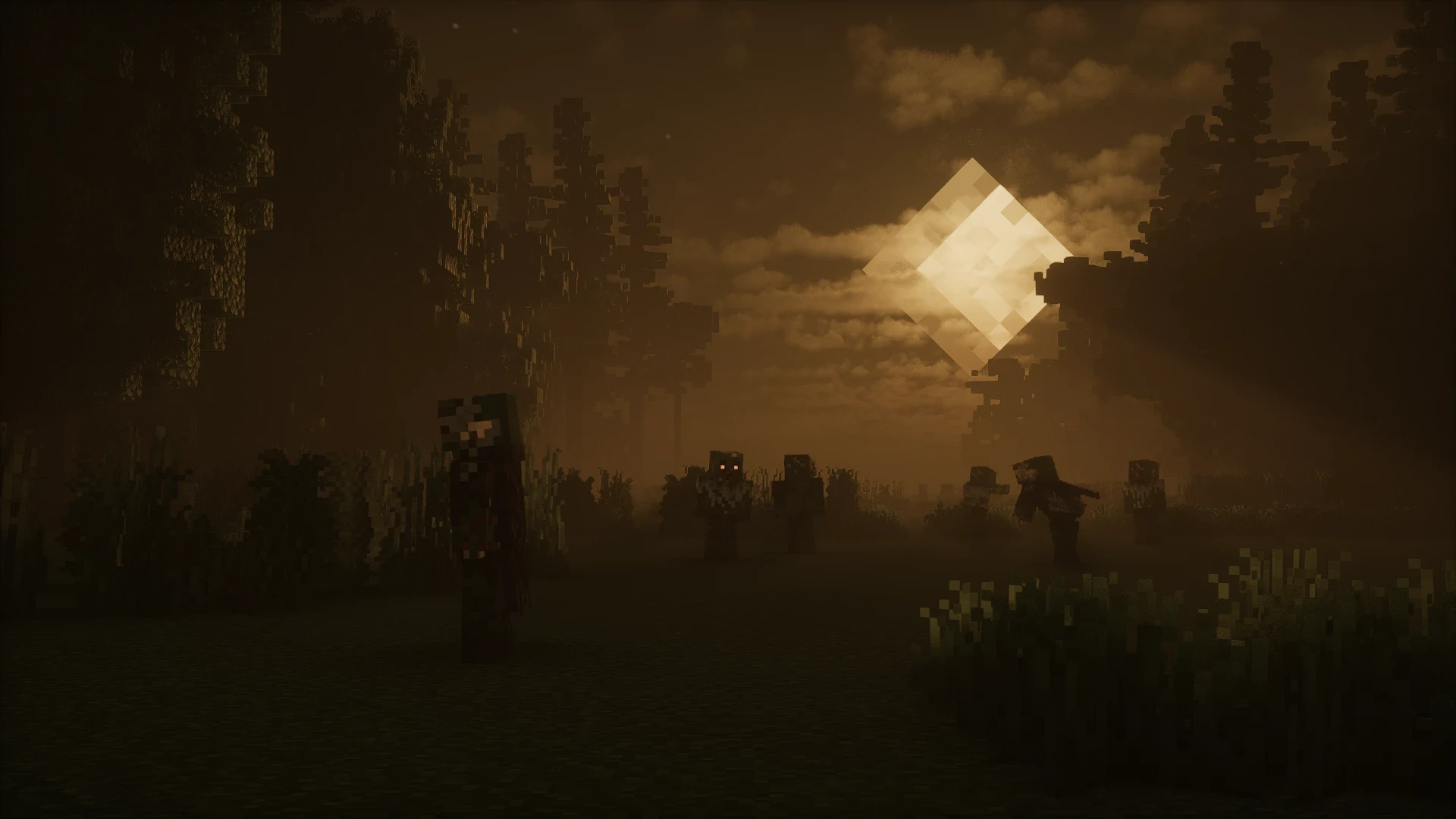
The true successor to the Insanity shader pack. Experience a dark and eerie in-game atmosphere like never before.
Creators and Publishers

MinecraftStorage
PublisherAdditional Links
You may find some useful information by following these links

https://modrinth.com/shader/hysteria-shaders
Share this post


Anyone who has attempted to turn their Minecraft world into a horror game would have come across the Insanity shader pack. Insanity now has a much darker, eerier successor - Hysteria.
If the introduction does not make it clear, the Hysteria shader pack is not like your regular shader that makes the game look bright and vibrant. In fact, it is quite the opposite. This pack makes your in-game atmosphere look a lot darker and mysterious.
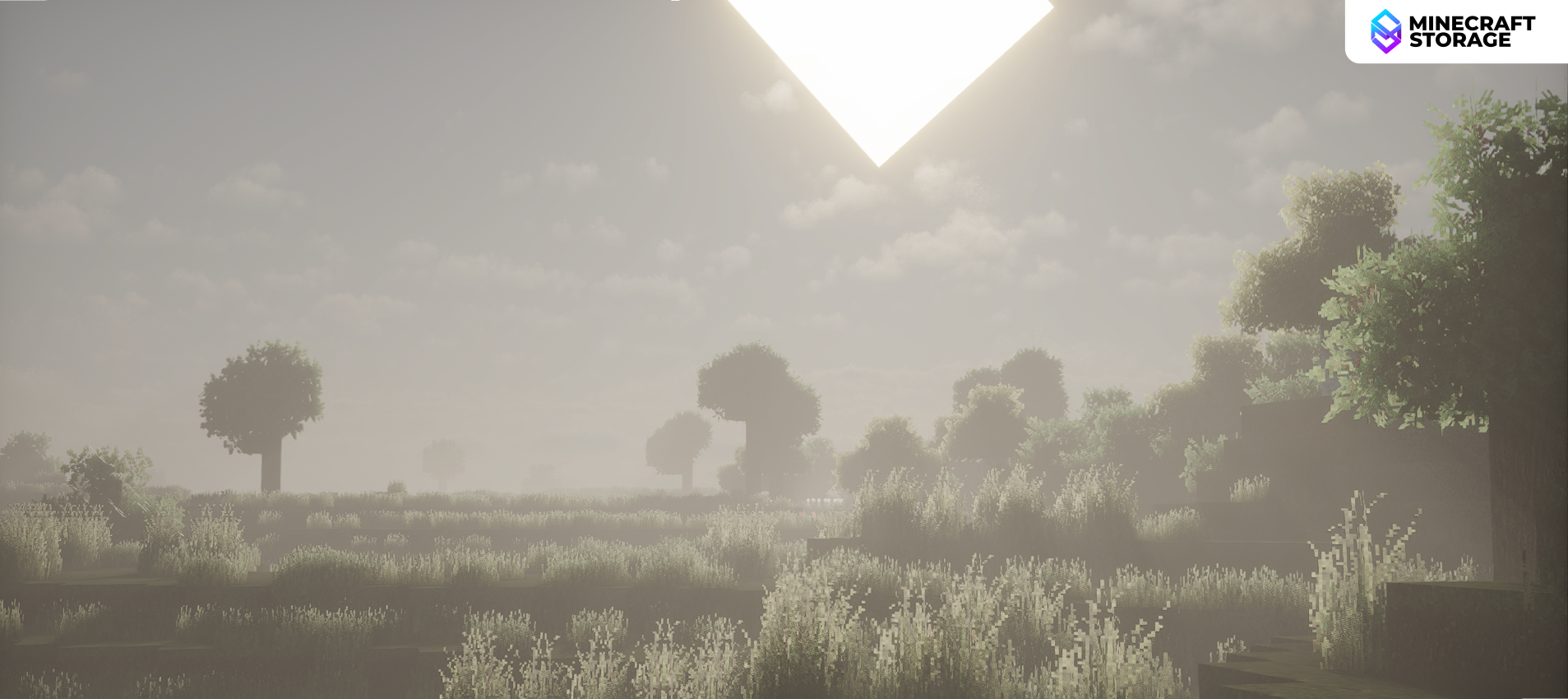
A Bright Sunny Day
Or is it?
If you would have installed any other shader, the above landscape would have been the sunniest time of the day with light reaching almost all parts of the world surface. But with Hysteria installed, even a sunny landscape can look eerie.
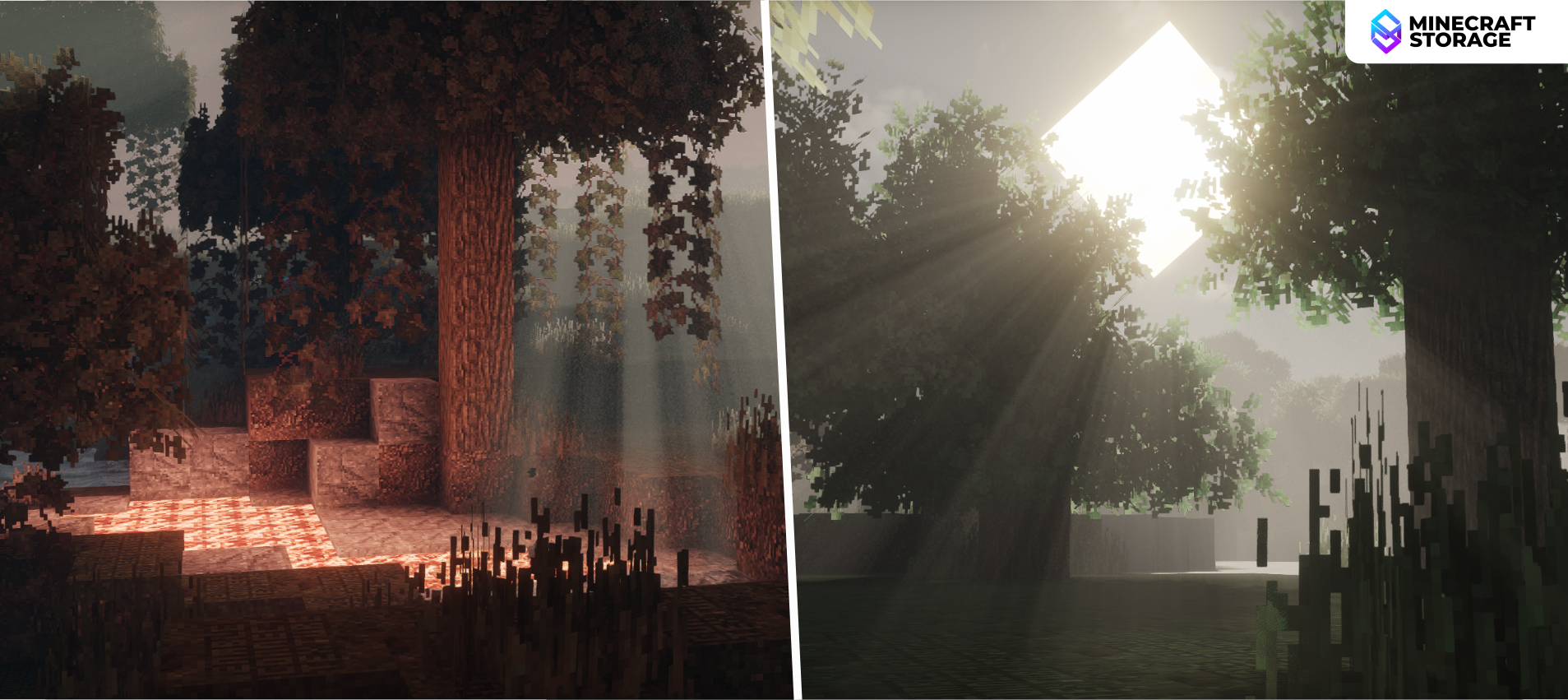
Volumetric Lighting
Three-dimension realistic lighting
The pack utilizes volumetric lighting effects to make your game look a lot more realistic, even when the atmosphere looks dark. Areas where sunlight falls are decently illuminated, while those areas in the shadows are notably dark, and their features hard to identify.
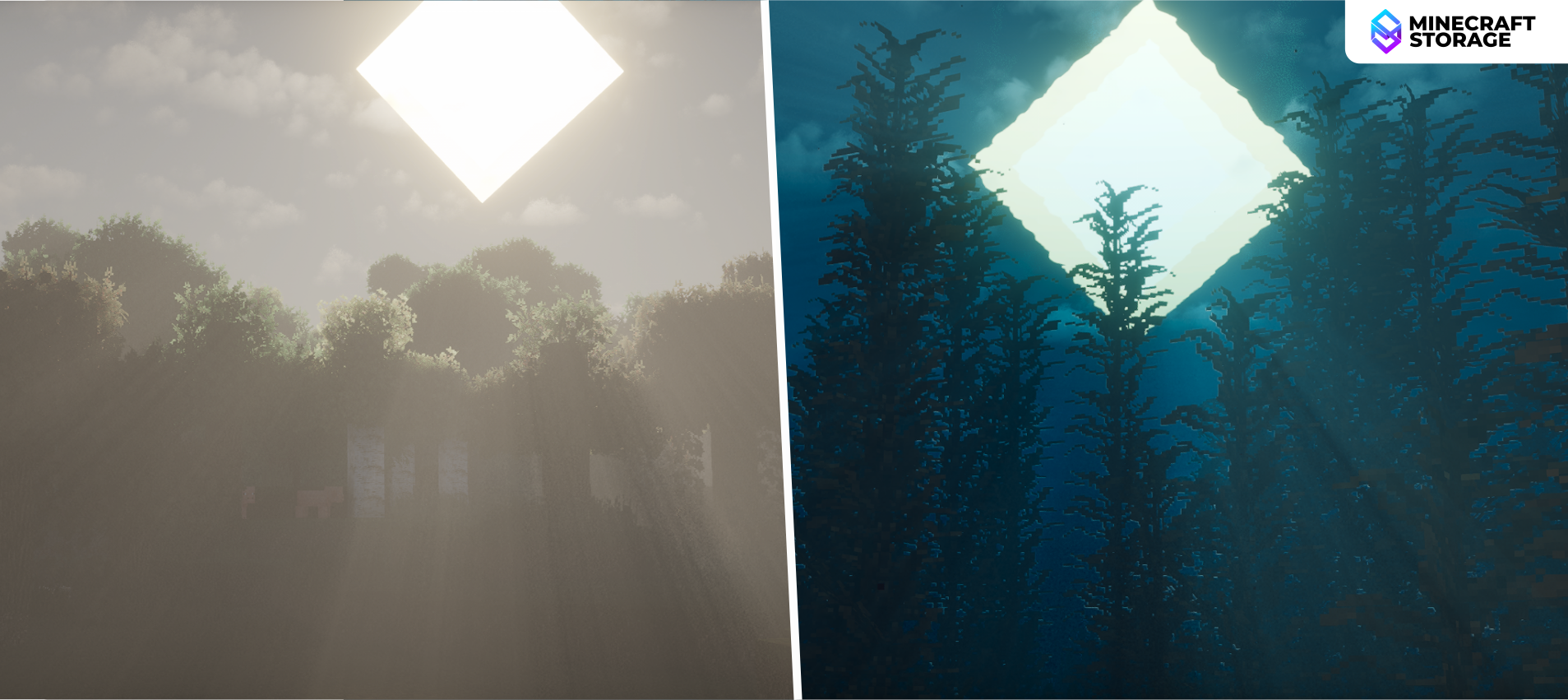
Surface vs. Underwater
Light reacts in a realistic manner
While a dark themed volumetry plays on the world surface, similar effects can be noted even when underwater. Water surfaces are realistic and their surface reflections react to water distortions in a realistic manner. When underwater, there are distortions that makes the experience more immersive.
Colored Light
Light gets colored realistically
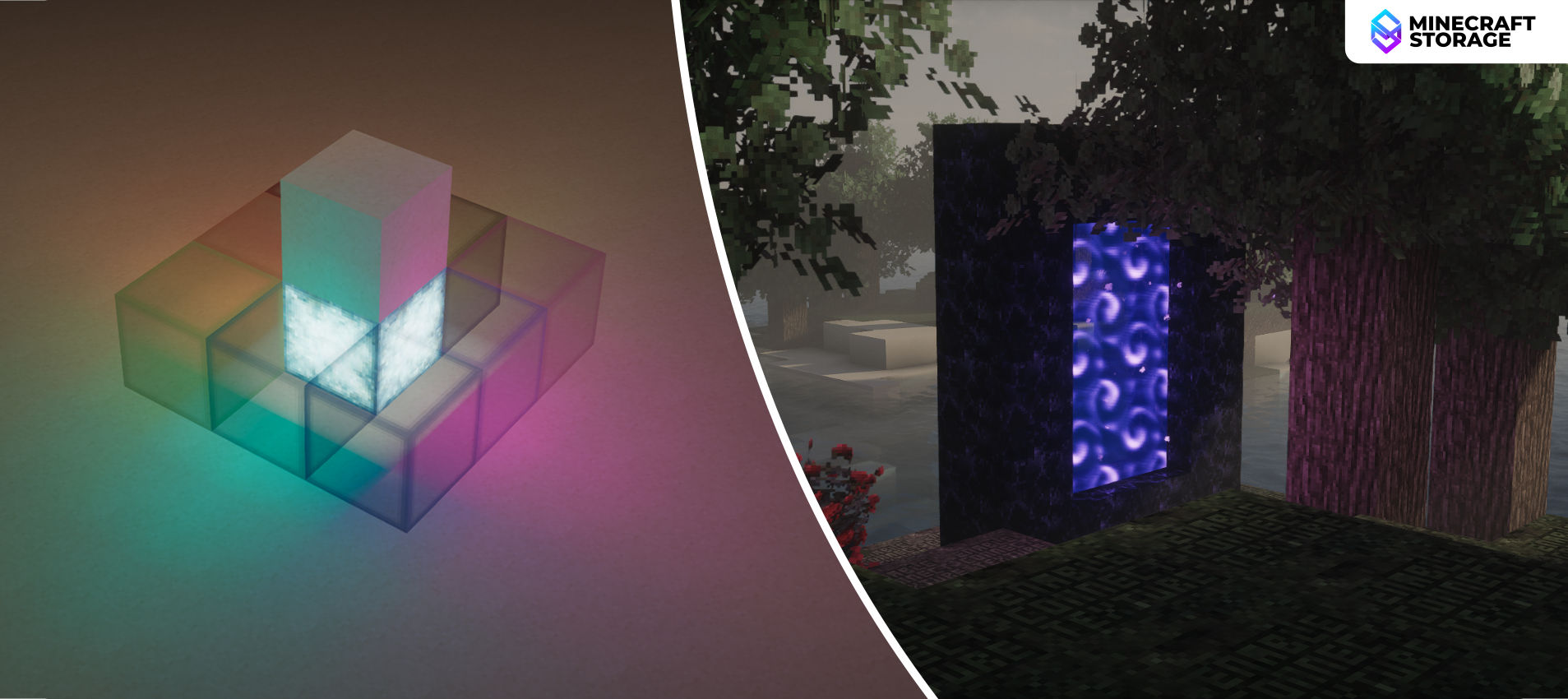
Volumetry aside, there are other lighting effects that the pack achieves well. For example, colored lighting. When light passes through colored glass and such, the output light appears to have a shade of the colored block. Similarly, sources that emit colored light do actually emit colored light, instead of just white light like in the vanilla game. In the image above, it can be observed that the light from the Nether portal emits a purple light onto the tree nearby.
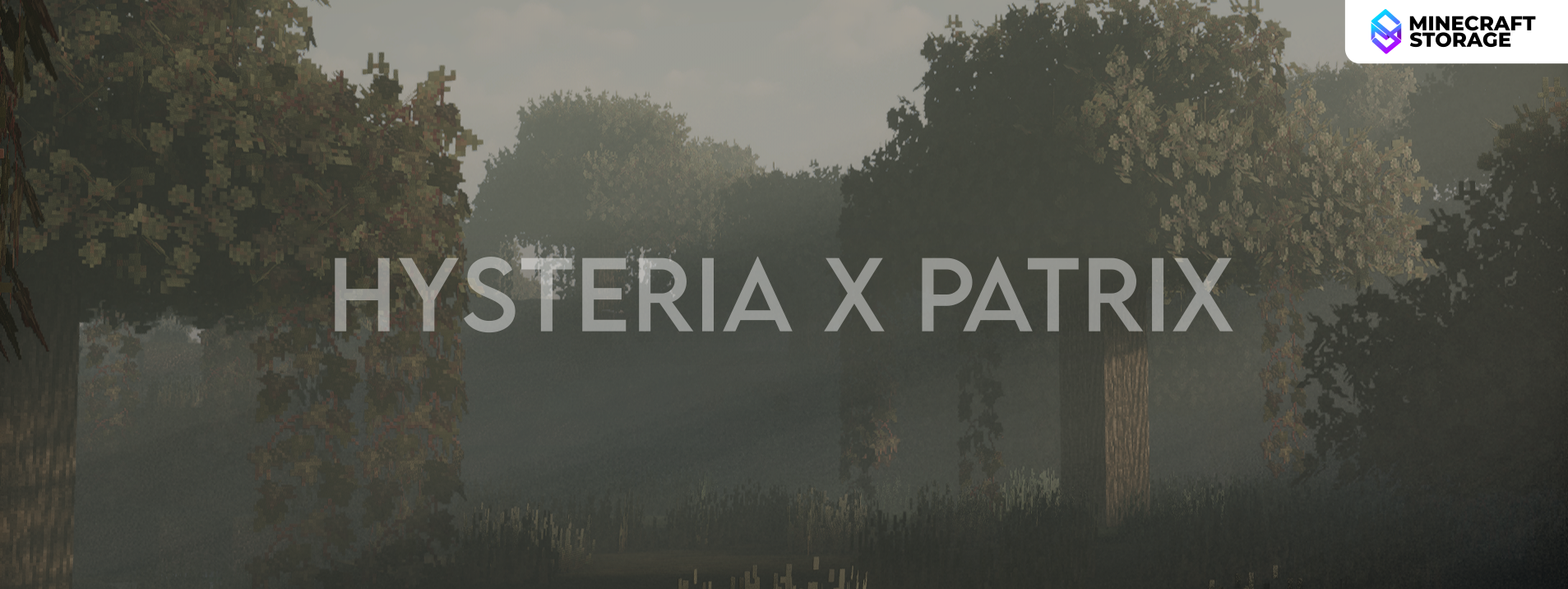
Many of the screenshots displayed in this article were taken in combination with the Patrix 32x texture pack. Hence, the in-game foliage and surface textures much more detailed and the shader effects can be well appreciated.
The Nether
A sharp transition between light and dark
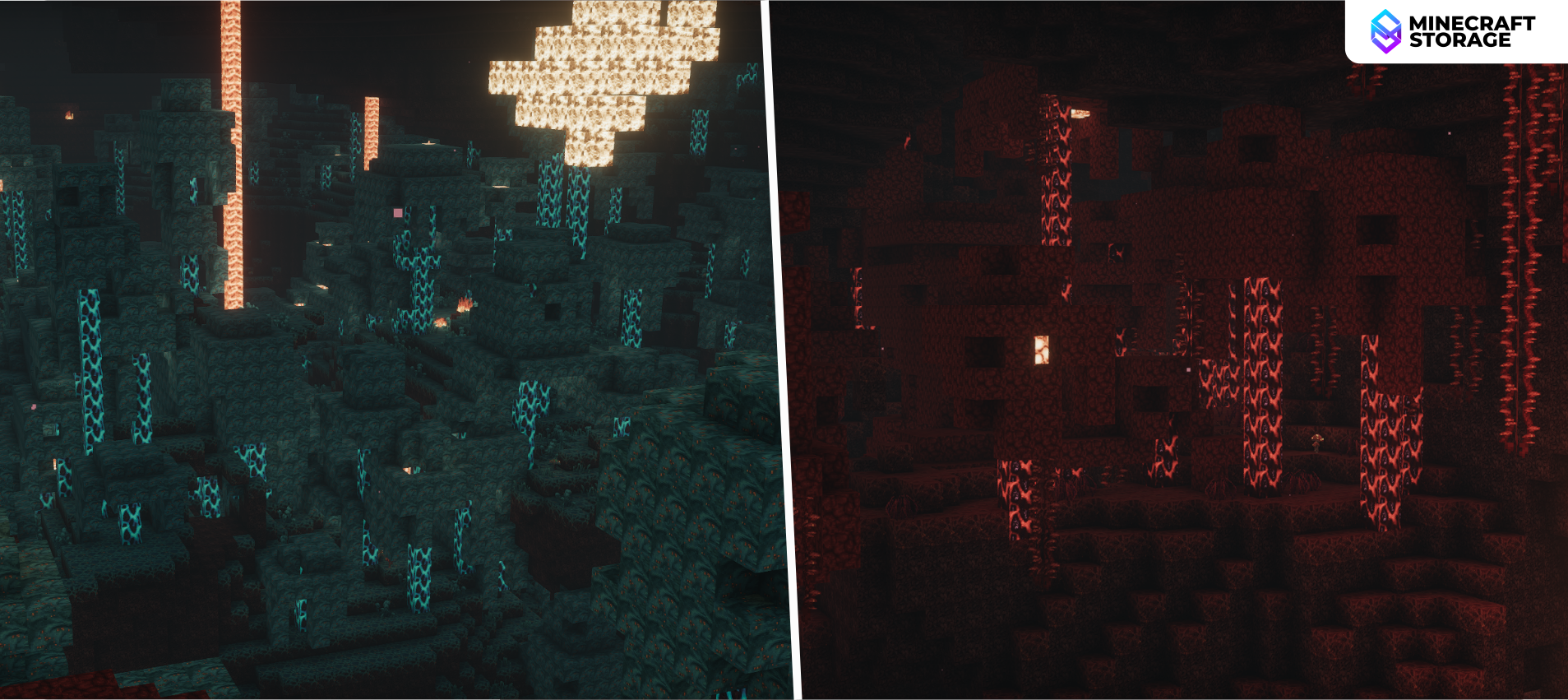
When it comes to the Nether, many of the lighting effects are not very visible, compared to the other dimensions. This does not mean the visuals in this dimension are bad, but they are simply underwhelming compared to the other dimensions. Light emitting blocks are brighter and can light up nearby areas, while darker areas appear a lot darker than vanilla, but still visible.
The End
Fade into darkness...
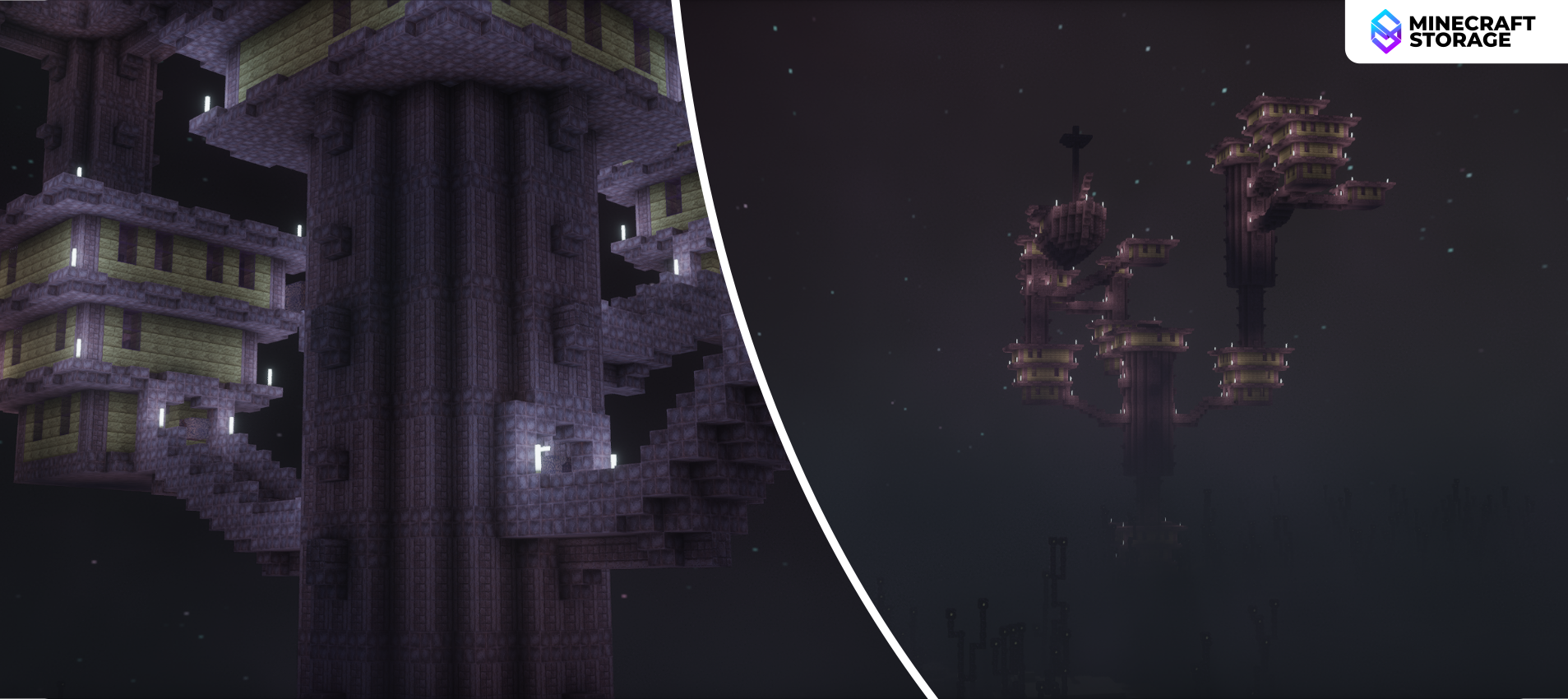
When it comes to the End, it is a completely different story. The visuals are much more majestic and appreciable. The disappointment upon seeing the Nether after being in the overworld, will be cleared up once you get to appreciate the visual beauty of the End dimension with this shader pack.
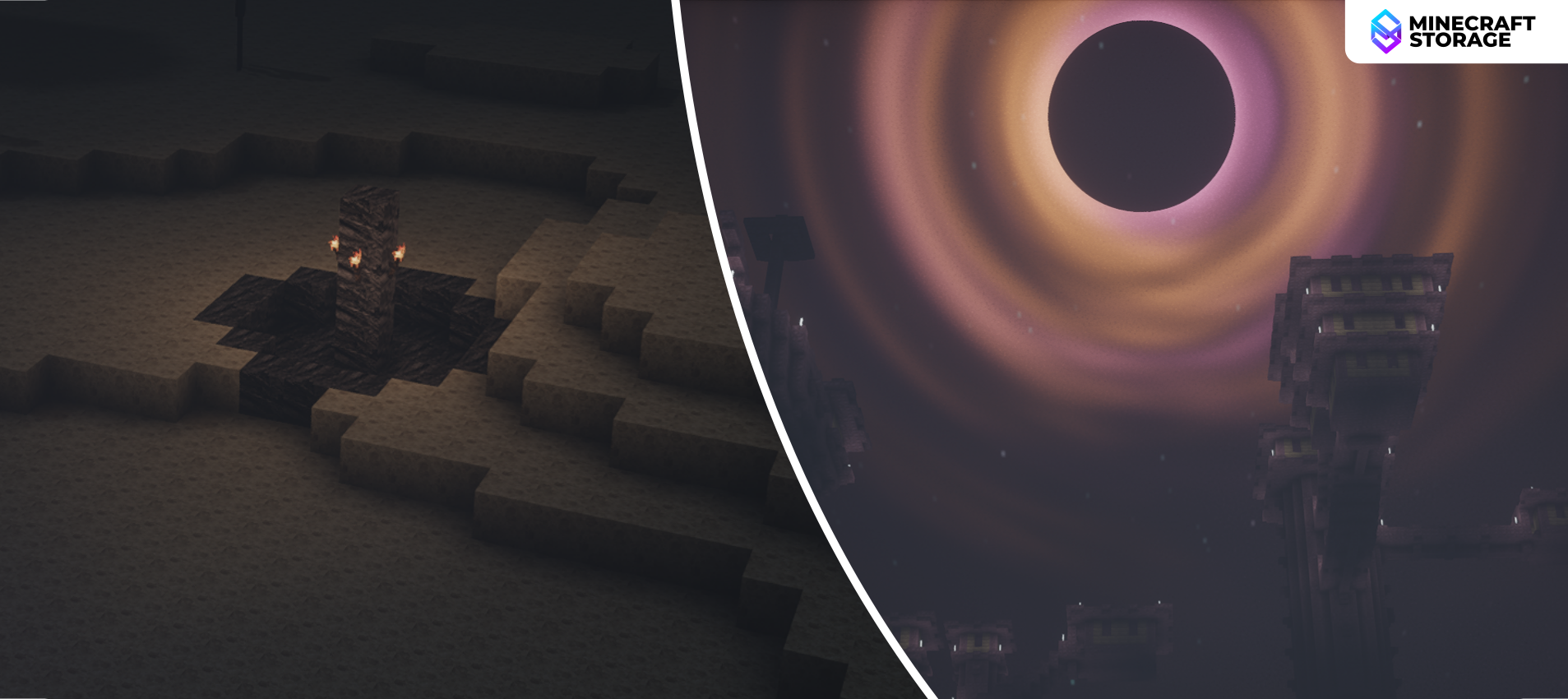
Lighting and End Sky
Dark, yet mesmerizing!
Lighting effects in the End are very similar to that in the Nether - Brighter light sources and darker unlit areas. But this looks a lot better in combination with the dark distant fog and the new End sky. As you move towards the outer end islands, you will come across majestic End fortresses slowly fading into your periphery.
Shader Settings
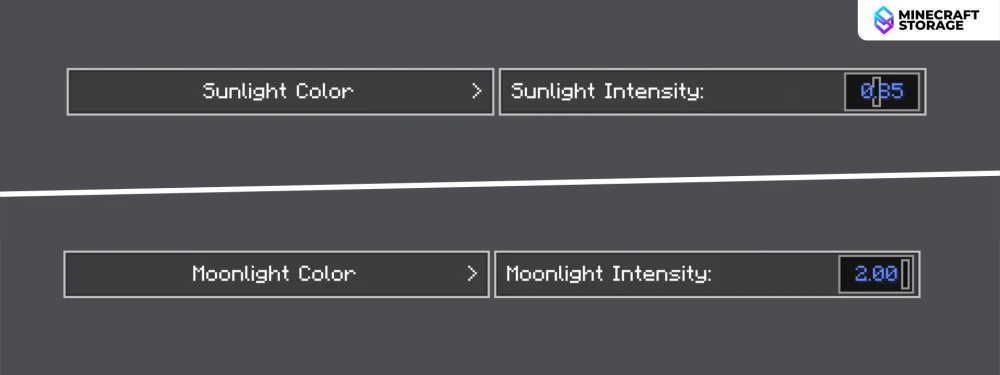
Hysteria has very easy-to-use shader settings that will allow you to tweak various different aspects of the mod. The most interesting one being the ability to tone map. This means you will be able to change the hue of the sun and the moon. The intensity and color of sunlight and moonlight can be tweaked independently.
Within the shader settings, you will find separate buttons for the same.
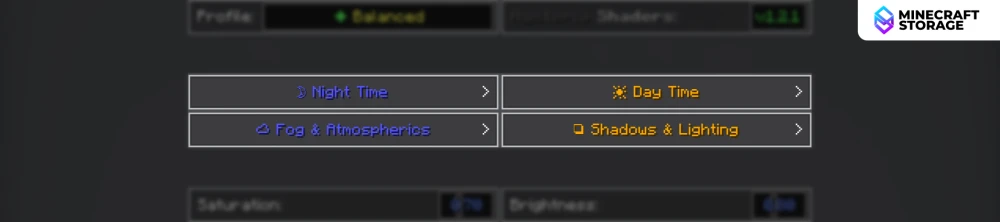
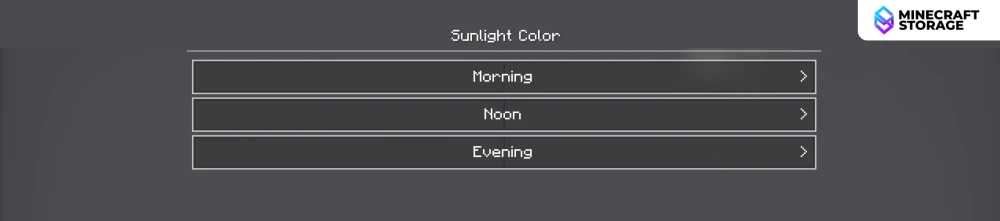
Clicking on either will take you to the respective settings. The intensity of the sun/moon light can be adjusted here. To adjust the tone of the light, you will have to move a step further by clicking on the Sunlight Color / Moonlight Color buttons.
In the Sunlight Color settings, you will be able to configure the color of the light for different times of the day during which sunlight predominates.
In the Moonlight Settings screen, you can adjust the color scheme of the moon light pretty directly.
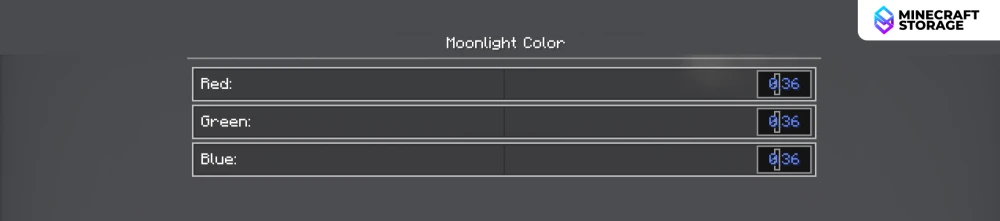
Let us now compare some different moonlight color schemes. All the colored moonlight screenshots were captured with the maximum value of moonlight intensity in the shader settings.
Default Vs Red Moonlight
Blue Vs Green Moonlight
Comparison
Let us now compare some images captured using the Hysteria shader pack against the vanilla visuals.
The Overworld
The Nether
The End
Conclusion
If you are looking for a shader pack to well complement your horror mods, or other horror gameplay experiences, Hysteria is a good option. Explore more stunning screenshots in the screenshots tab, and download using the links provided.
What's Next
Go well with Hysteria shaders enhancements
We think these additions will perfectly complement your gameplay
 mod
modMore life to the End dimension. Explore fallen meteorites, climb high towers and collect incredible loot.
 texture pack